Answer every customer call in one place
Take inbound calls, work from a shared inbox, and route conversations to the right person. Voicemails arrive with a transcript so nothing waits.
Route calls to the right person
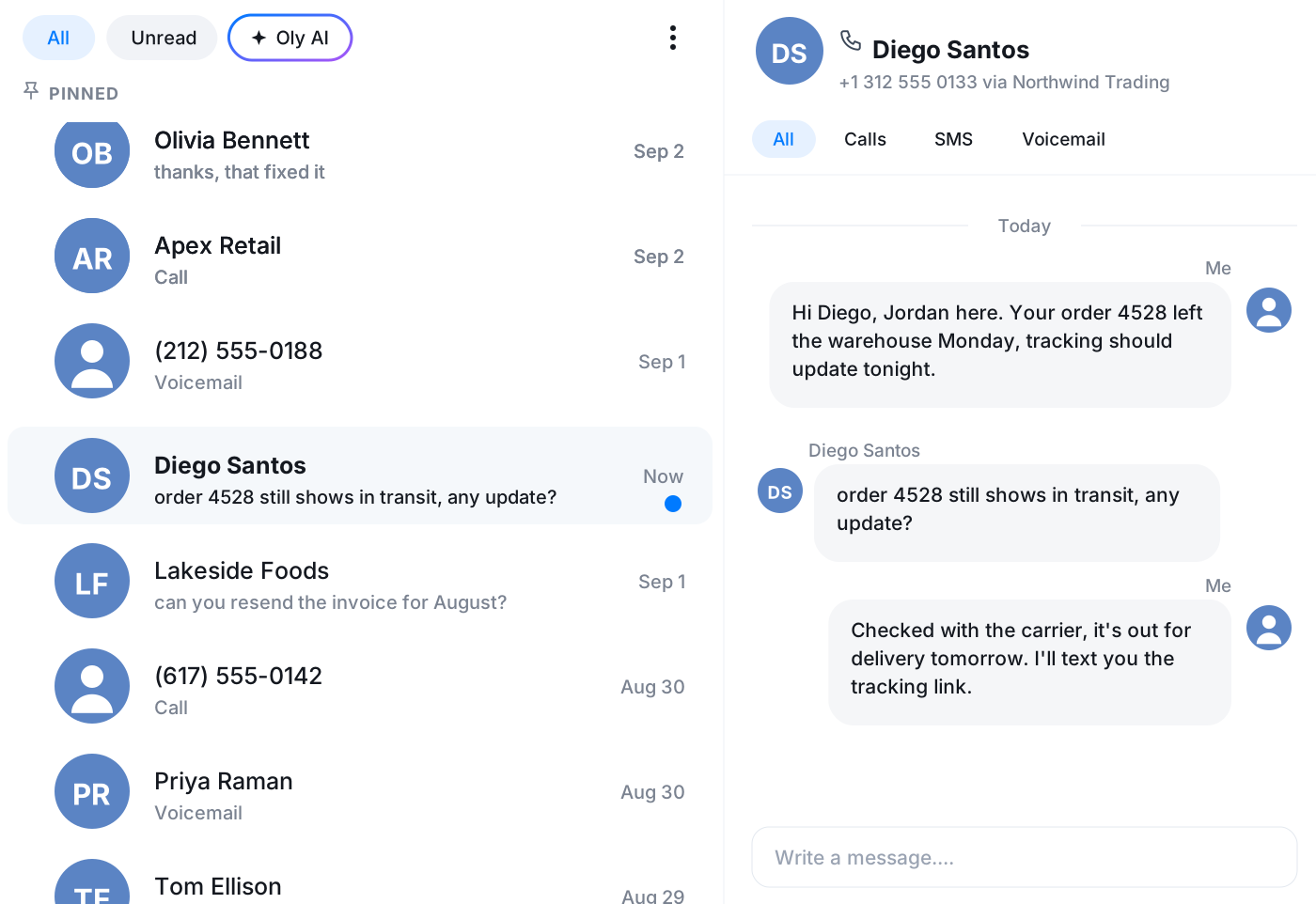
Send incoming calls to the right teammate or queue with a visual call flow. Customers reach someone who can help instead of bouncing around.
One shared inbox
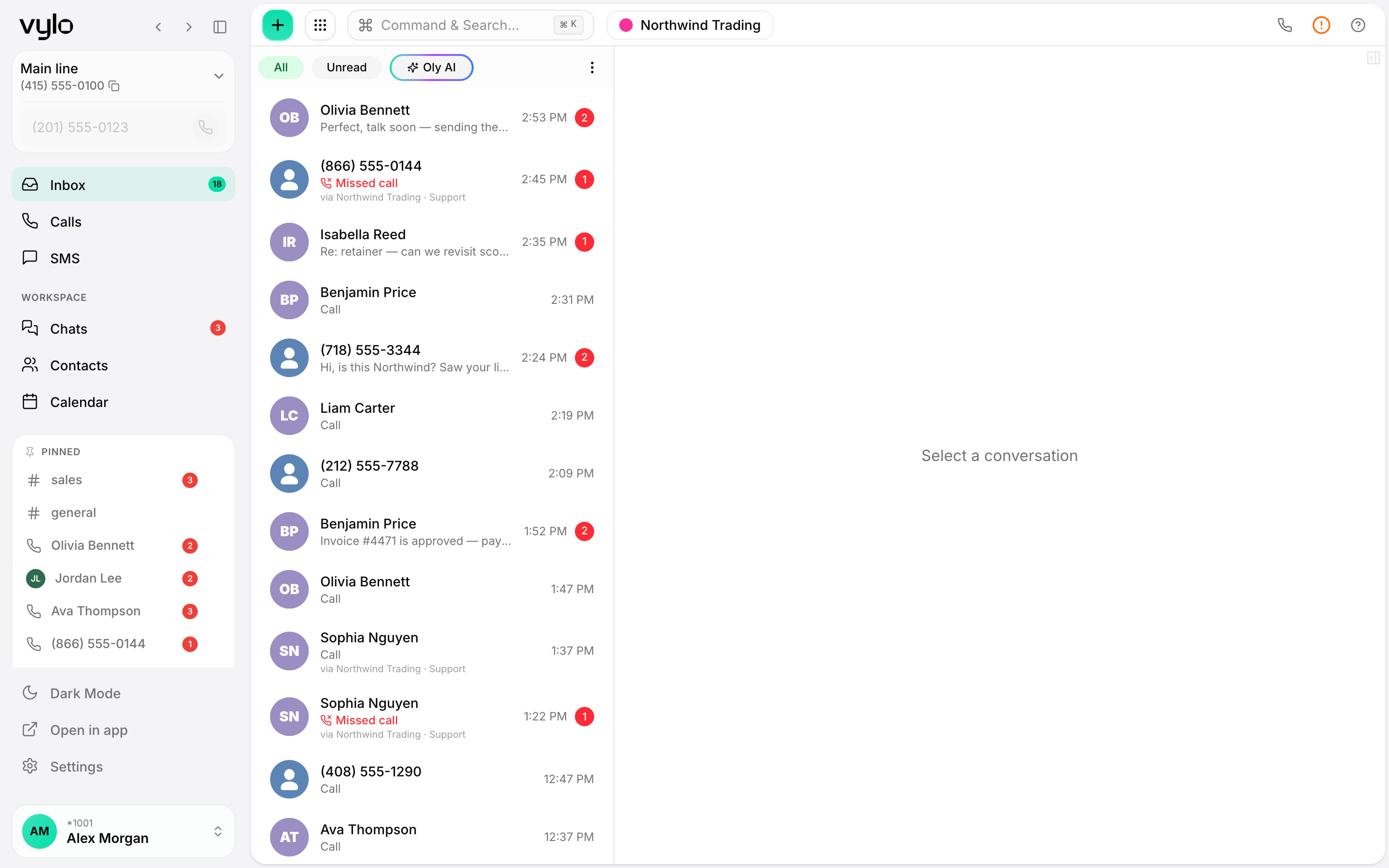
Calls, texts, and voicemails land in a single inbox the whole team can see. Anyone can pick up where a colleague left off without re-asking the customer.
Voicemail with transcript
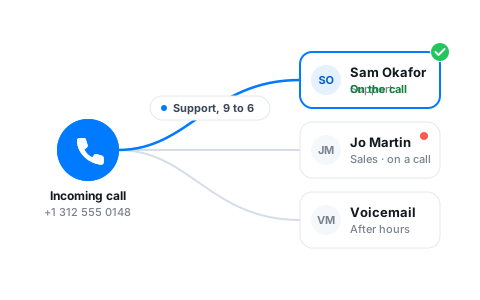
Missed a call? The voicemail comes through as text you can read at a glance, so you know who needs a callback and why before you dial.
A shared inbox the whole team works from
Everyone sees the same queue of calls, texts, and voicemails, so requests don't fall through the cracks when someone steps away. Pick up a conversation a teammate started and the full history is right there.
- Calls, texts, and voicemails in one shared view
- Hand off a conversation without losing context
- See who has already replied
Send calls where they belong
Build a call flow that greets callers, offers options, and routes each one to the right person or team. Set business-hours and after-hours paths so coverage continues even when the team steps away.
- Visual call flow builder with an IVR menu
- Route by team, time, or option chosen
- Business-hours and after-hours routing
Read voicemails instead of replaying them
Every voicemail arrives with a transcript, so you can scan it, prioritize the urgent ones, and call back already knowing what the customer needs. No more sitting through a queue of recordings.
Help an agent mid-call, without the customer knowing
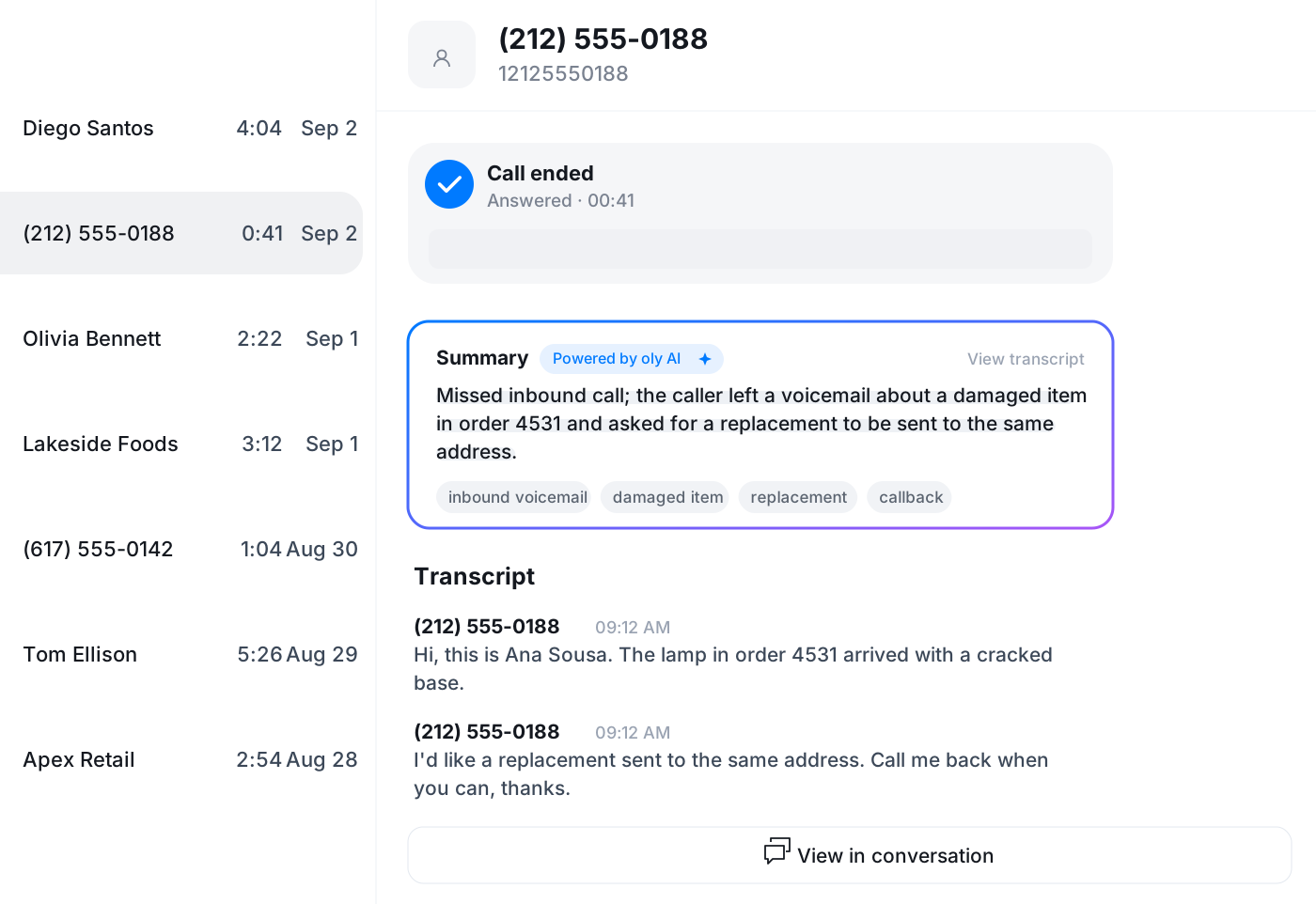
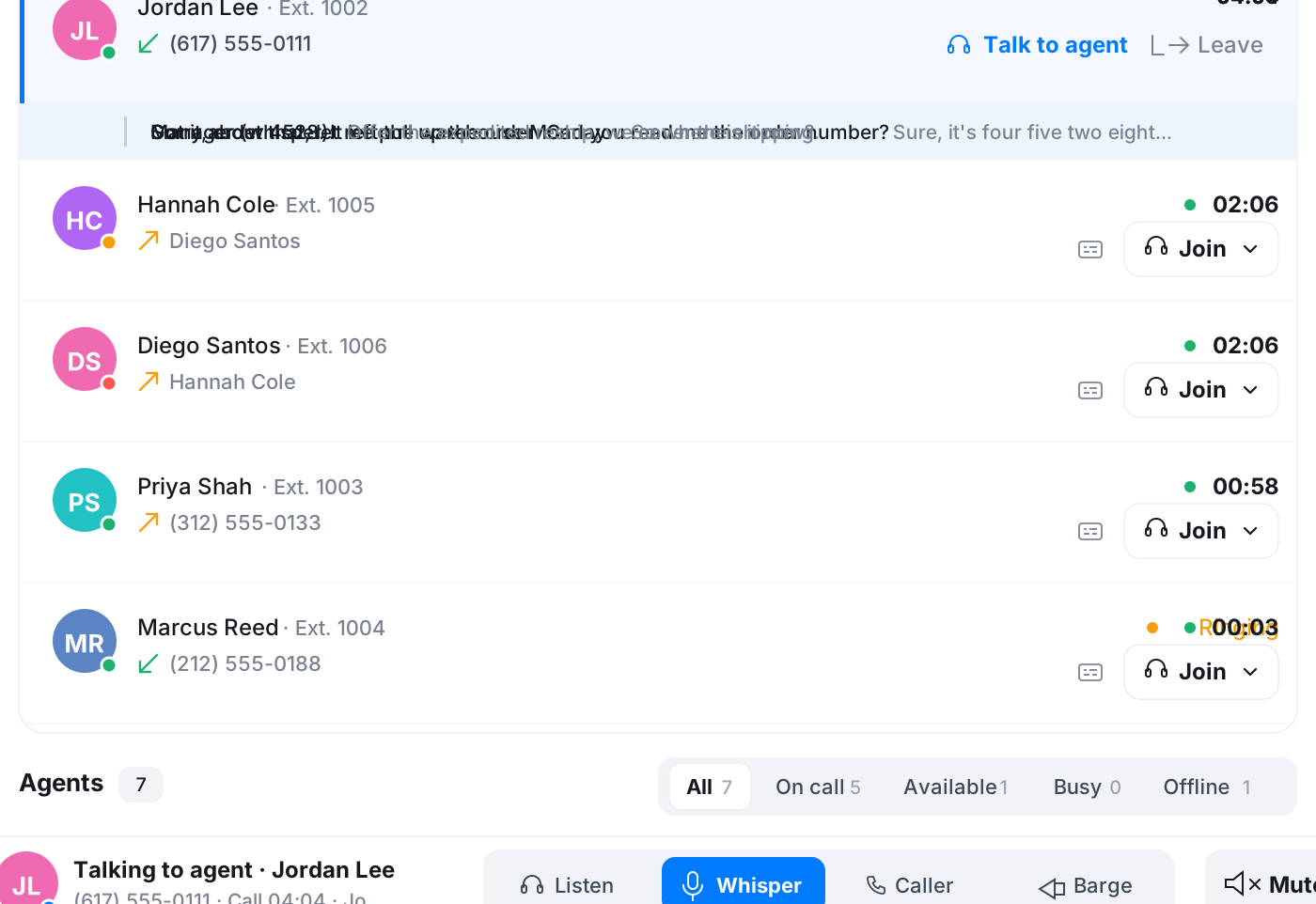
When a call gets difficult, a supervisor can listen in from the Team page or whisper the answer to the agent while the customer hears only the agent. Live subtitles let you keep an eye on several calls at once with the sound off.
- Listen in silently or whisper to the agent
- Live subtitles under any call in progress
- See who is online, on a call or free to take one
Turn the request into a task before you hang up
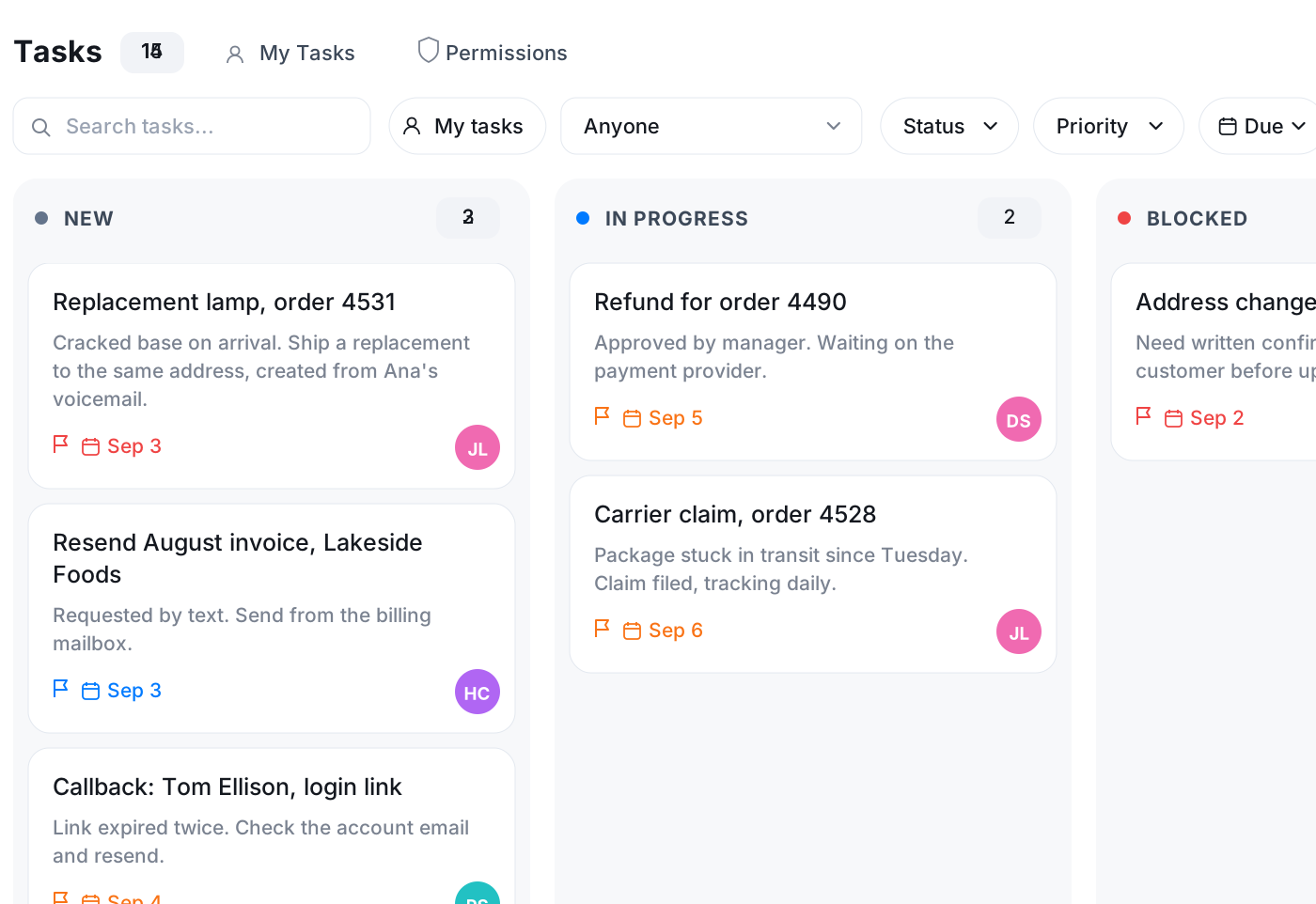
A customer asks for a callback, a replacement or a refund. Create the task from the conversation, assign it to the right person with a due date, and the context travels with it. Email that arrives in your connected mailbox lands in the same app.
- Tasks created from a call or text in the inbox
- Assignee, due date and priority on every task
- Support mailbox connected via Google, Microsoft or IMAP
Frequently asked questions
Common questions about answer every customer call in one place
Try Vylo free for 7 days
Calls, SMS, email, team chat and AI call notes in one app.