AI-powered business communications,
finally in one place.
Calls, SMS, team chat and video — for teams that move fast. Build an Oly Agent, put it on your number, and it answers calls the way you tell it to.
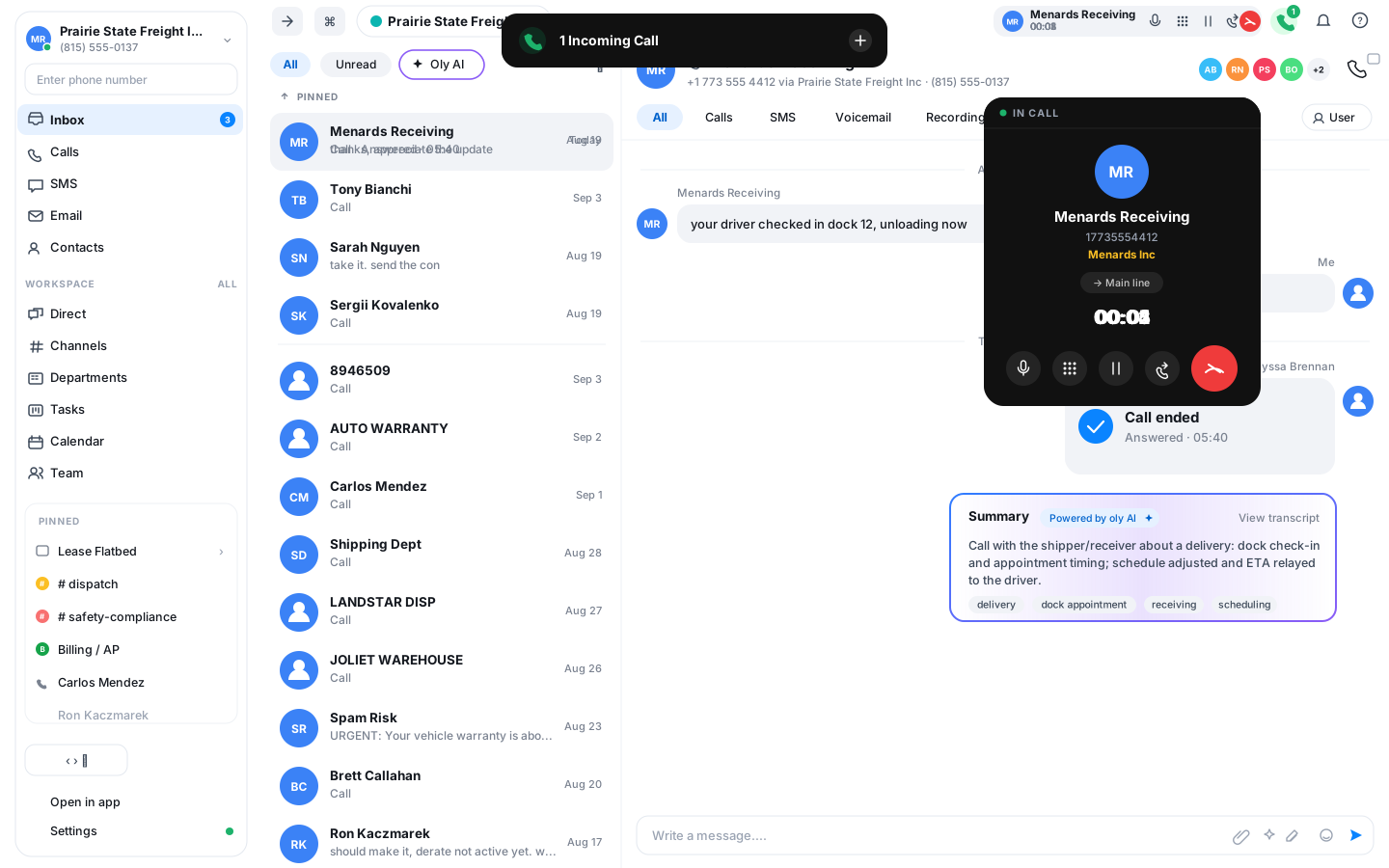
Talk with Oly Agent
This is an Oly Agent, the same kind of voice agent you can put on your own number. Ask it what Vylo does, how it works and whether it fits your team. Start a call or type a question, right here in your browser.
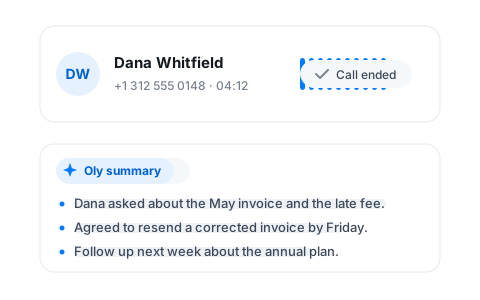
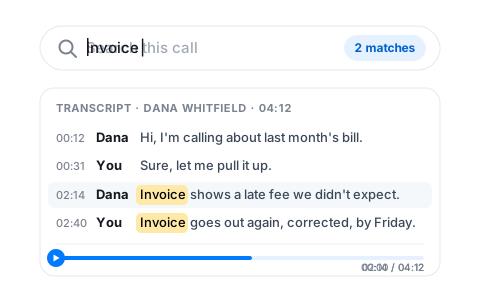
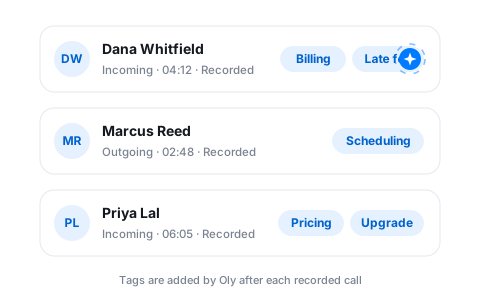
Know what happened, without listening back
Your number, answered by an Oly Agent
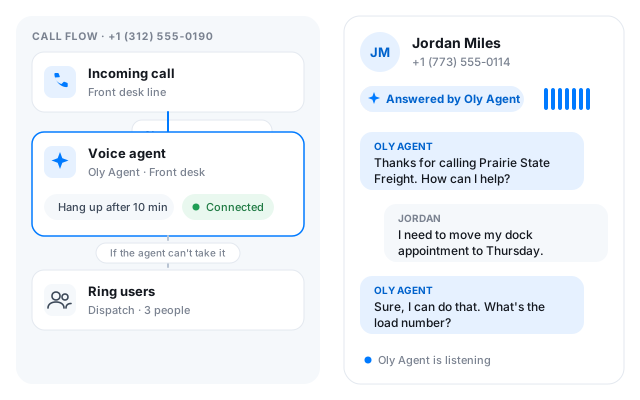
A voice agent you create in Vylo, drop into the call flow and assign to a phone number. It picks up, talks to the caller and follows the instructions you wrote.
Write the instructions
Who the agent answers for, what to ask every caller, what it may confirm and what waits for a person. Plain text, no script to record.
Add it to a call flow
Open the flow for a number and add a Voice agent step. Put it first to answer everything, or behind business hours to cover nights and weekends.
Set the fallback
Choose how long a call can run and where it goes when the agent can't help: ring your team, a call queue or voicemail.
Always pick up with Vylo
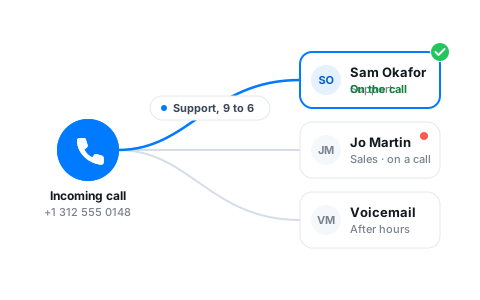
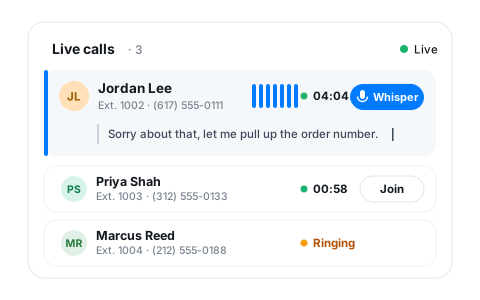
See every live call, and help before it goes wrong
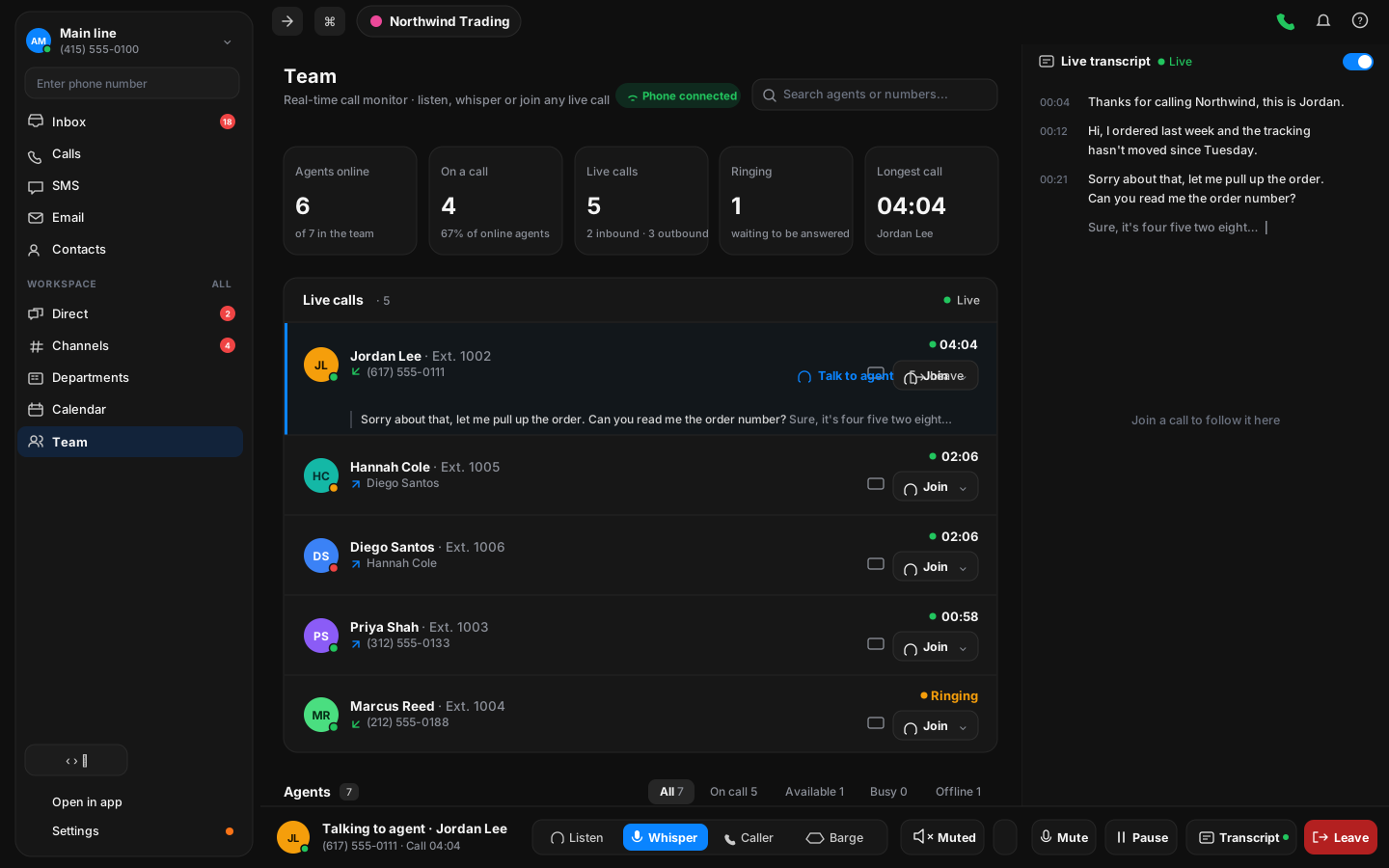
Listen in or whisper
A manager hears the call and can speak to the teammate without the customer hearing a thing.
Live subtitles
Read a call as it happens, under the call row, with the sound off.
Dark mode, everywhere
The whole app, on every platform, in a dark theme that is easy on the eyes at the end of a shift.
Set up in an afternoon, not a quarter
Buy a number in the app
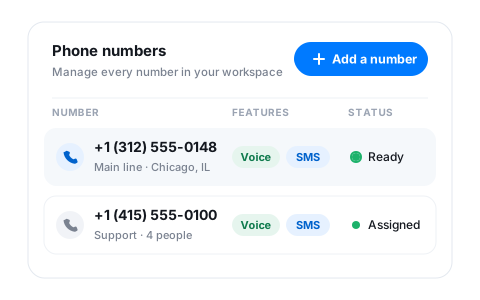
Pick a local number during signup or from settings. It is ready for calls and texts straight away.
Invite the team by link
Send an email invite, assign numbers on the way in, and give each person the role they need.
Sign in with Google or Apple
No new password to remember. Email and phone verification keep the workspace yours.
Built for how your team actually works
Most of the teams on Vylo move freight: dispatch desks, carrier sales and the office behind them. The same app also fits a sales floor, a support desk or one person running the whole show. Pick yours to see how it fits.

Works with what you already use
Your mailbox and calendar sync in. Your team signs in on whatever device is in front of them.
Ready to get started? Explore the product, or grab a number and try it on a real call.
Frequently asked questions
Can’t find what you’re looking for? Reach out to our support team and we’ll get back to you within the hour.