Keep every candidate in one timeline
Call and text candidates from the same app and let Oly write up each conversation. Every touch with a person sits on one timeline you can scan in seconds.
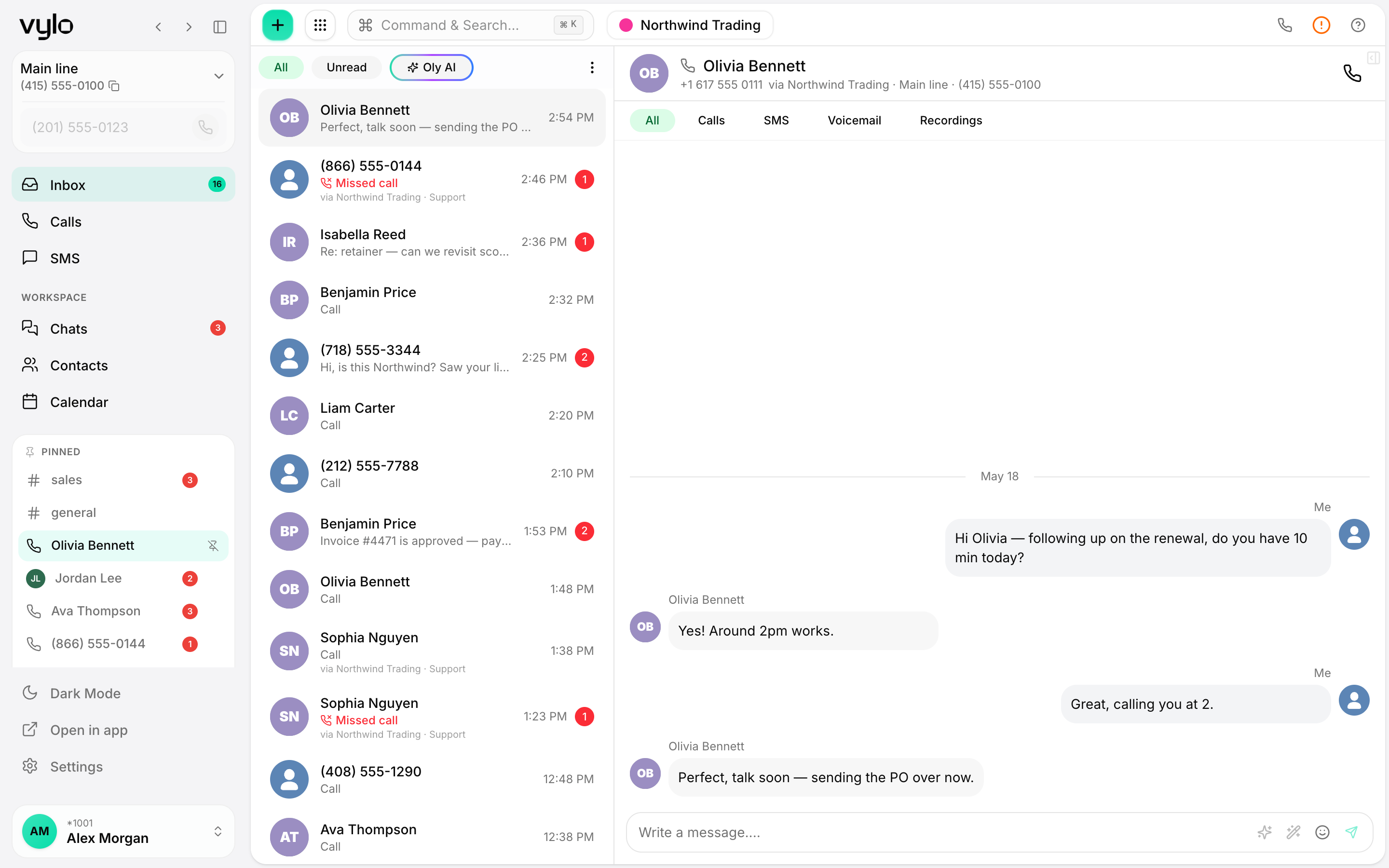
Call and text from one app
Reach candidates by call or SMS without switching tools. Move from a quick screening call to a text confirmation in the same place.
One timeline per candidate
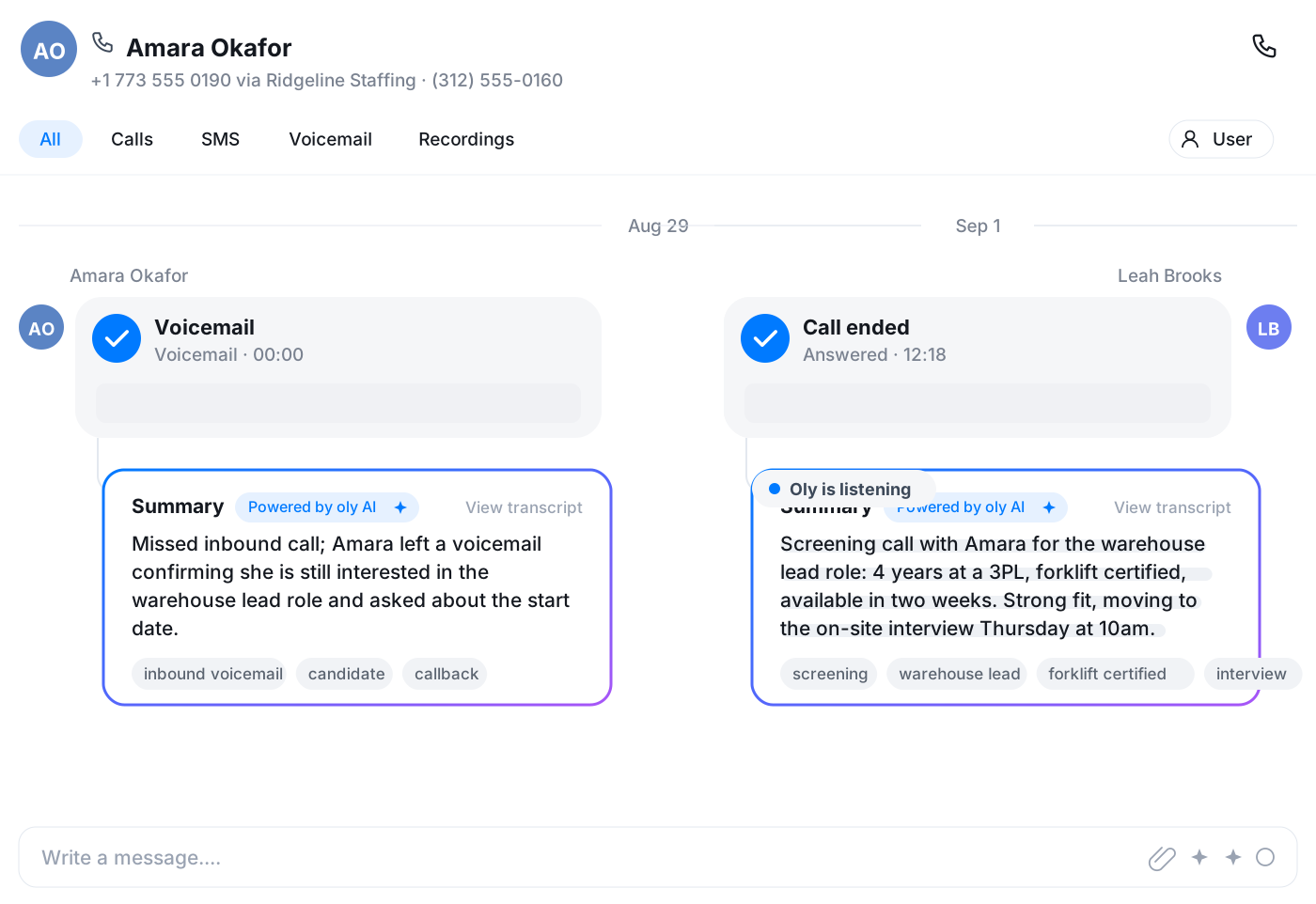
Every call, text, and voicemail with a person lands on their timeline, so you always know where they are in the process before you reach out again.
Notes written by Oly
Oly transcribes screening calls and writes a short summary, so you remember what each candidate said without scribbling notes mid-conversation.
A lot of calls and texts, kept in order
Recruiting means a high volume of quick conversations. Vylo keeps them all on one timeline per candidate, so you can scan the last call, the last text, and Oly's summary before you pick up the phone again.
- Calls, texts, and voicemails on one timeline
- Oly's summary attached to each screening call
- Know where a candidate stands before you call
Stop taking notes during screening calls
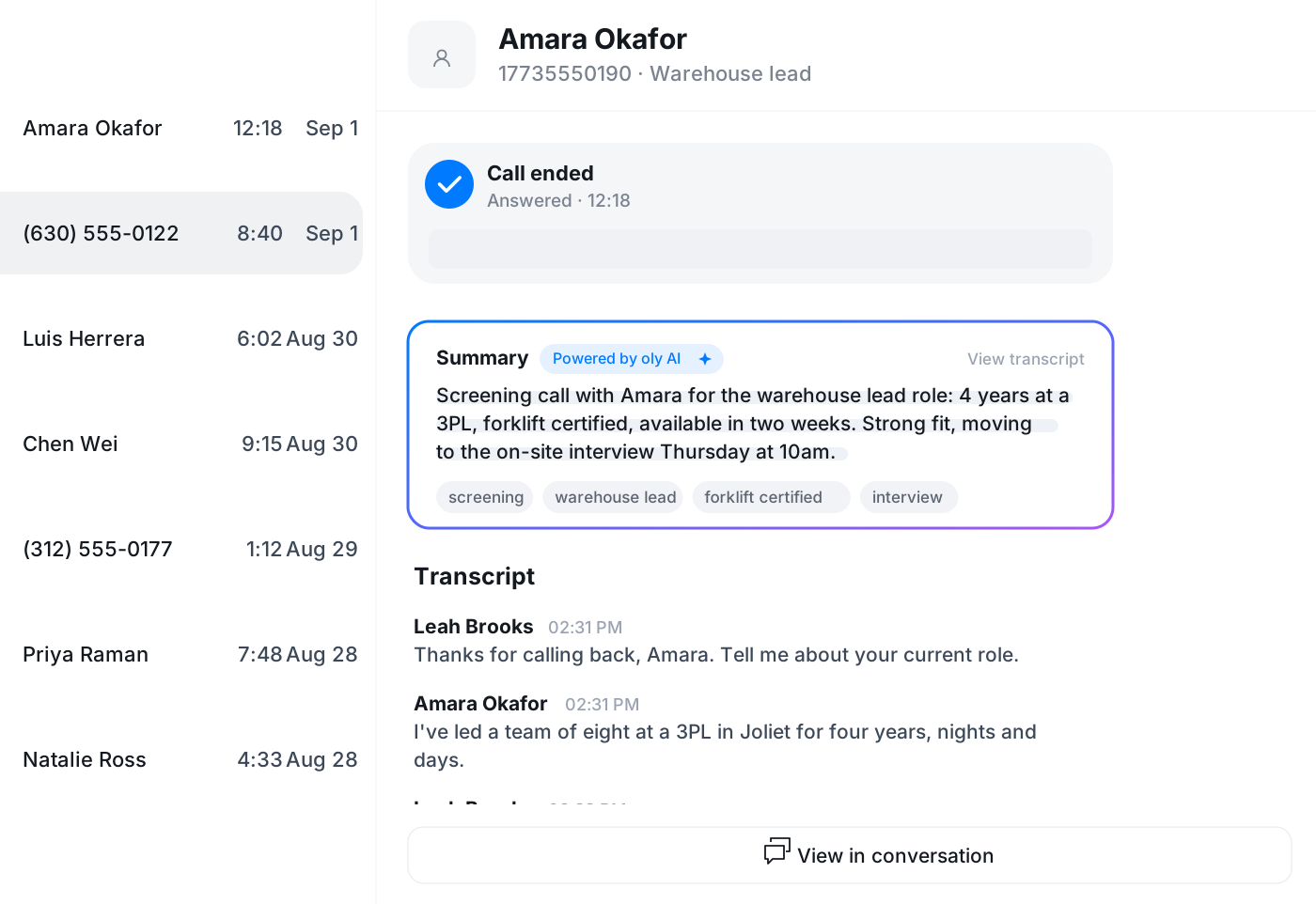
Oly transcribes each call and writes up the key points, so you can actually listen to the candidate instead of typing. Read the summary afterward, confirm the next step, and move on to the next person.
- Automatic transcript for every recorded call
- Short summary of what the candidate said
- Auto-tags to keep your call list organized
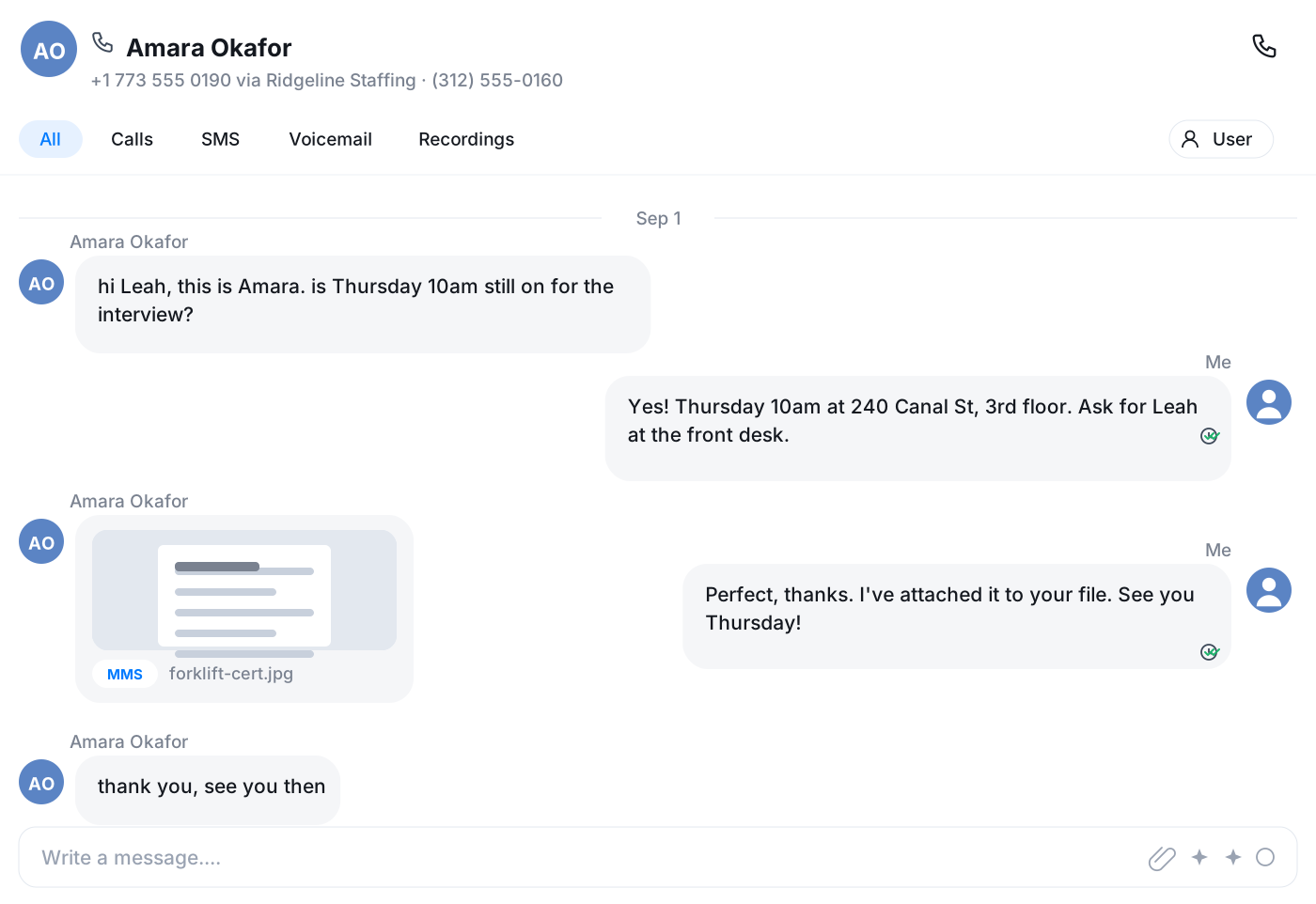
Text confirmations without leaving the app
Send an interview time, an address, or a quick nudge by SMS straight from the candidate's record. The text stays on their timeline, so anyone picking up the conversation later has the full picture.
Put the interview on the calendar, email the details
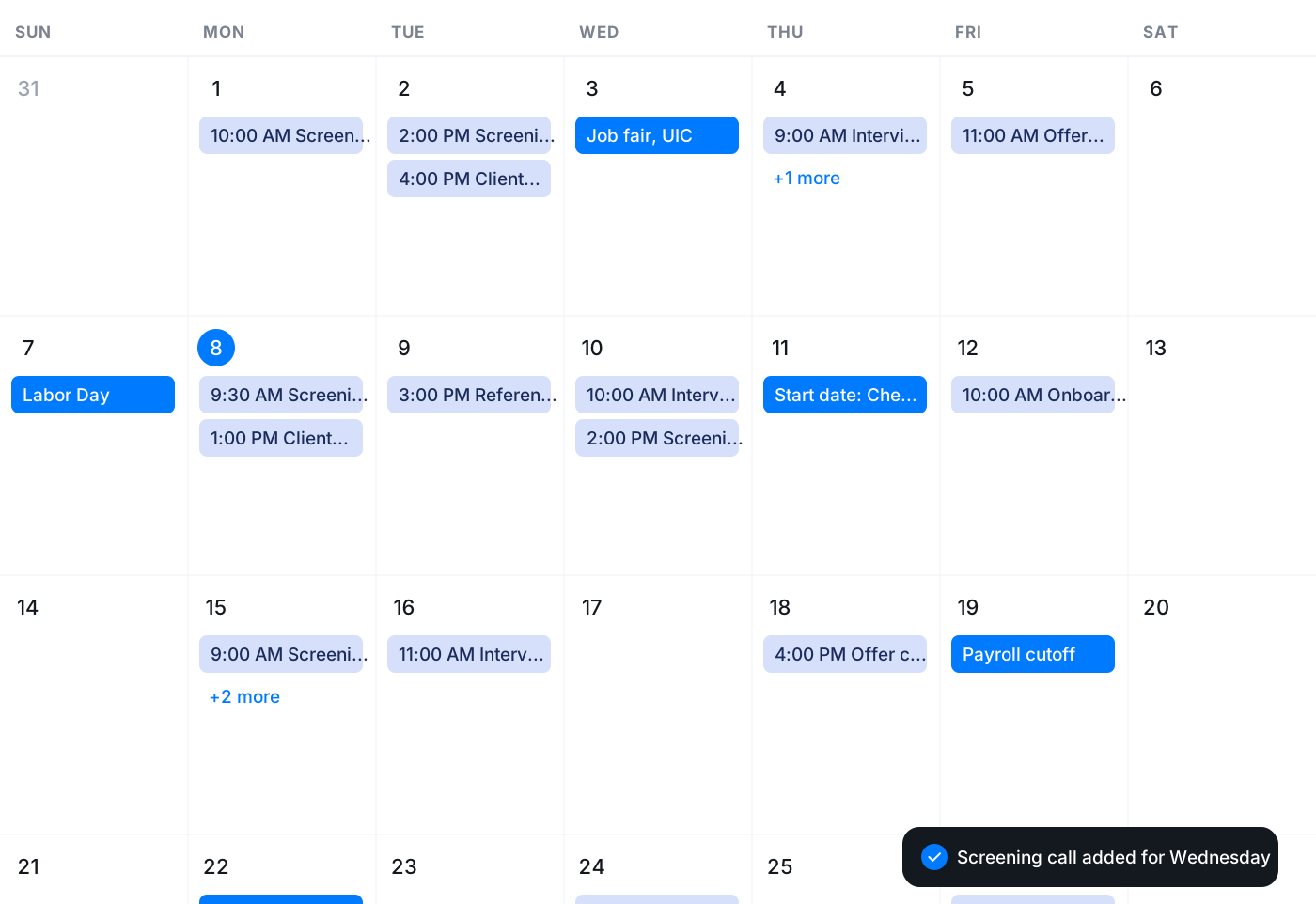
Book the interview in Vylo's calendar, with Google Calendar sync if that's where the team lives, and get a reminder in the app before it starts. Send the confirmation email from your connected mailbox and create a task to follow up if you don't hear back.
- Calendar with reminders and Google sync
- Email from your own address, inside Vylo
- Follow-up tasks with a due date and owner
Frequently asked questions
Common questions about keep every candidate in one timeline
Try Vylo free for 7 days
Calls, SMS, email, team chat and AI call notes in one app.