One app to run calls across the team
Manage numbers, give people access, and see how the team is doing from a single place. No hardware to maintain and no separate tools to stitch together.
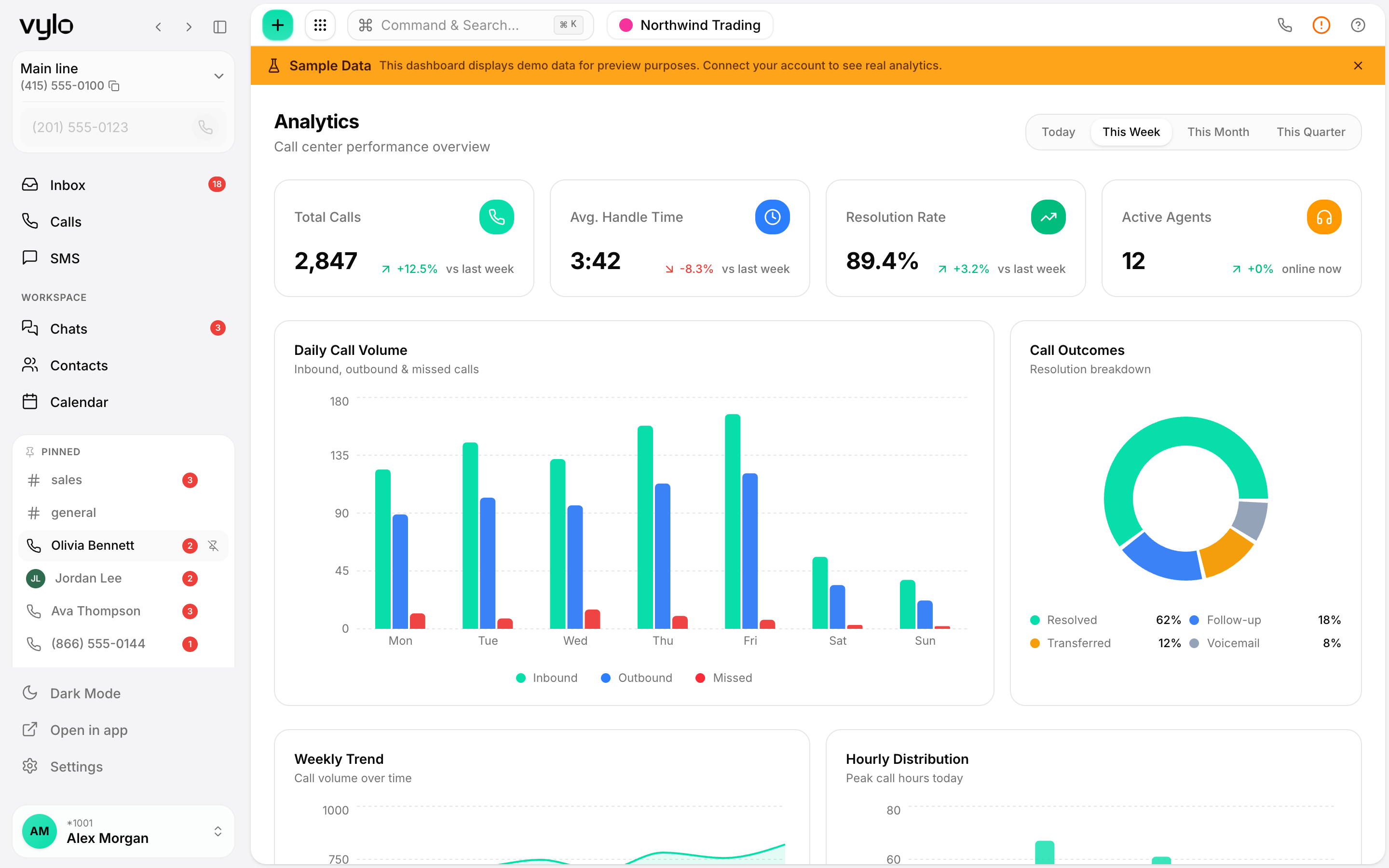
Run it for the whole team
Add people, assign numbers, and keep everyone on the same system. Vylo runs on desktop and mobile, so there's nothing to install on desks.
Numbers where you need them
Set up multiple numbers and point each one at the right team or call flow. Spin up a new line without waiting on hardware or a carrier visit.
See what's happening
Analytics show call volume and activity across the team, so you can spot busy periods and staff for them instead of guessing.
Add people and numbers without the overhead
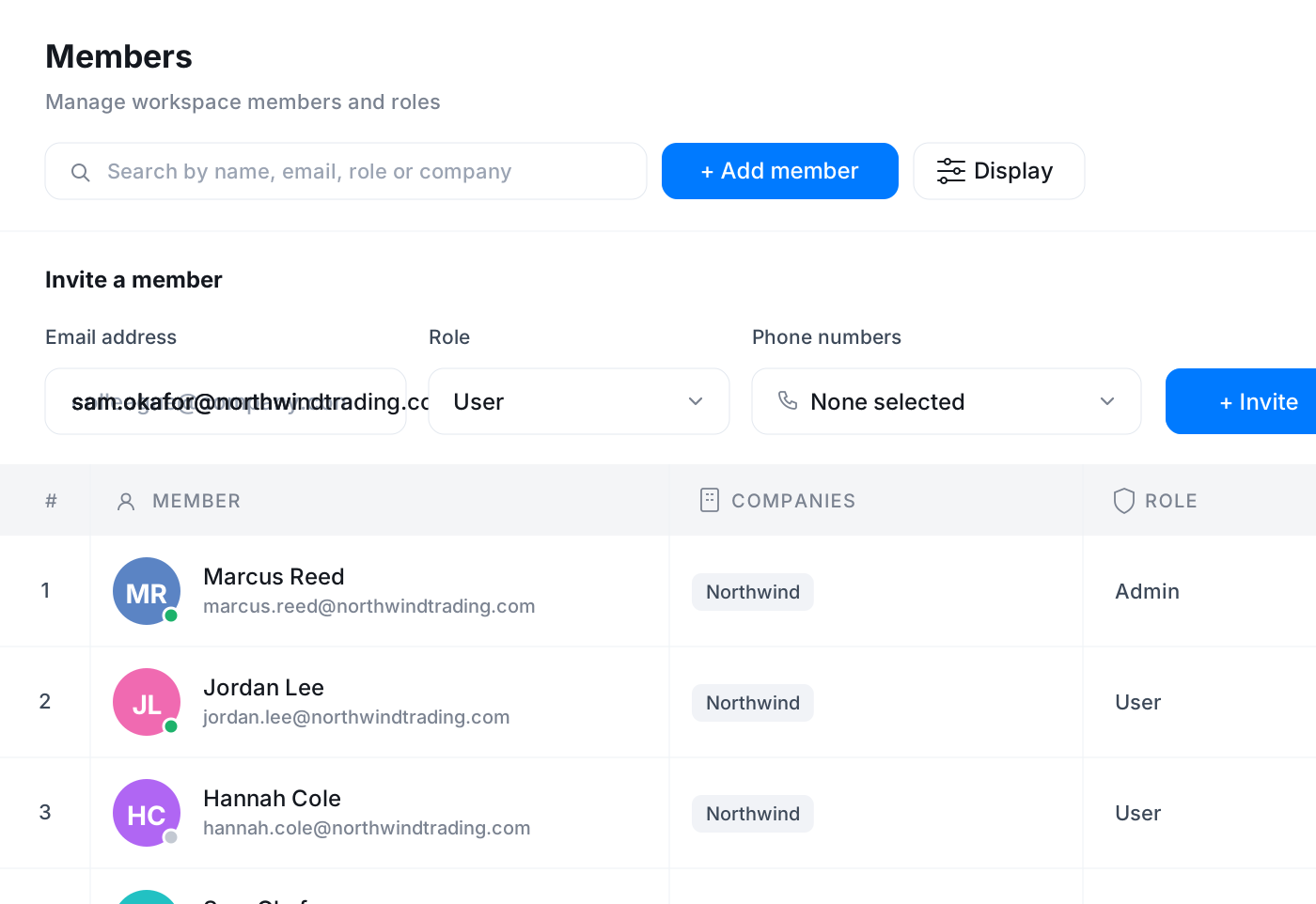
Give a new hire access in minutes and assign them a number from the same screen. Manage several companies or brands from one account when you need to keep them separate.
- Assign numbers and access from one place
- Multiple numbers routed to the right teams
- Keep separate brands or companies apart
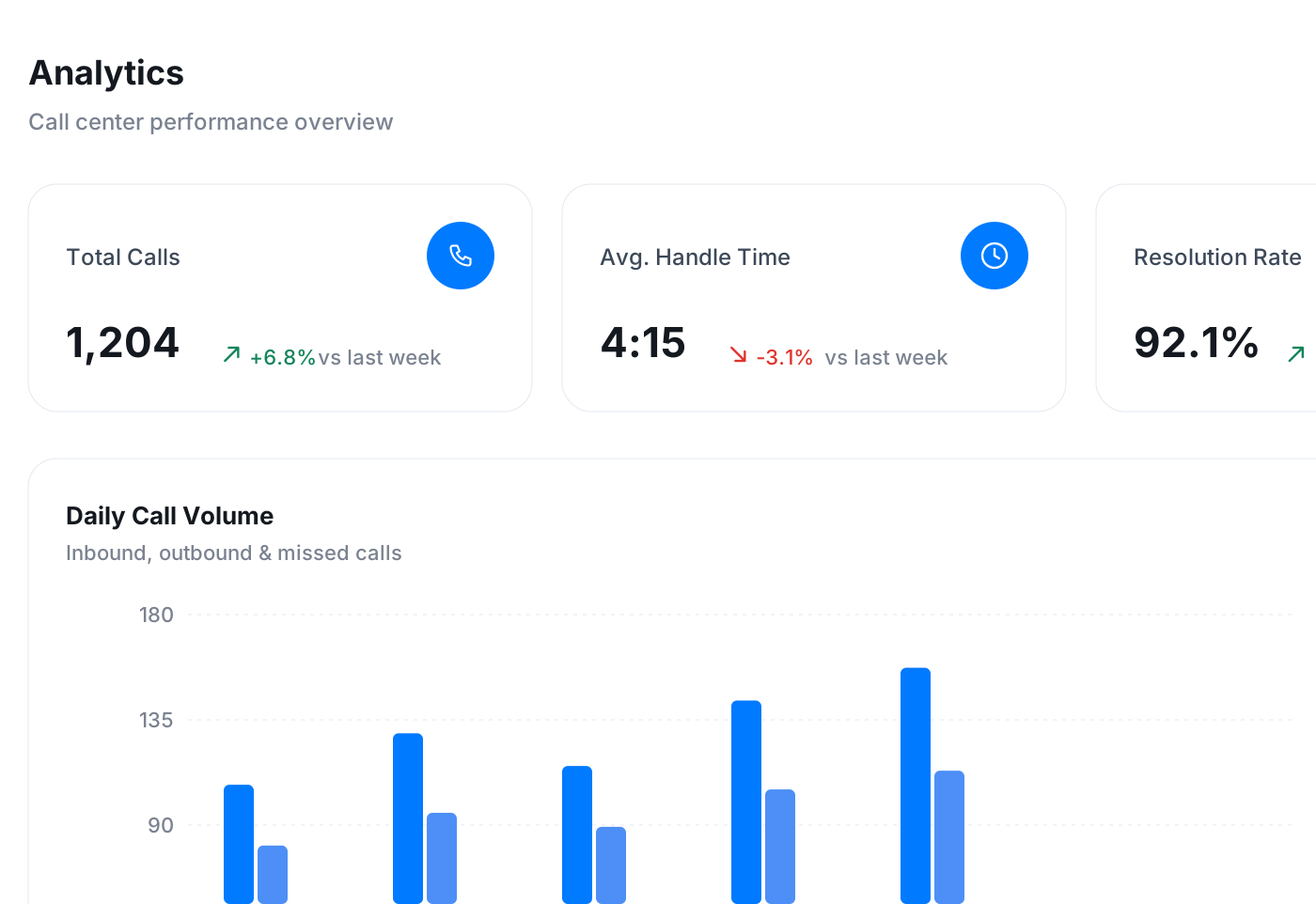
Visibility into how the phones are used
Analytics give you call volume and activity across the team so you can see trends, plan coverage, and answer questions about how the phones are being used without exporting anything by hand.
- Call volume and activity across the team
- Spot busy periods and staff for them
- Answer usage questions without manual exports
One system, fewer moving parts
Calls, texts, email, team chat, tasks, calendar and contacts all live in Vylo, so there are fewer tools to procure, secure and support. New people sign in with Google, Apple or an email invite link, which keeps rollout simple and onboarding quick.
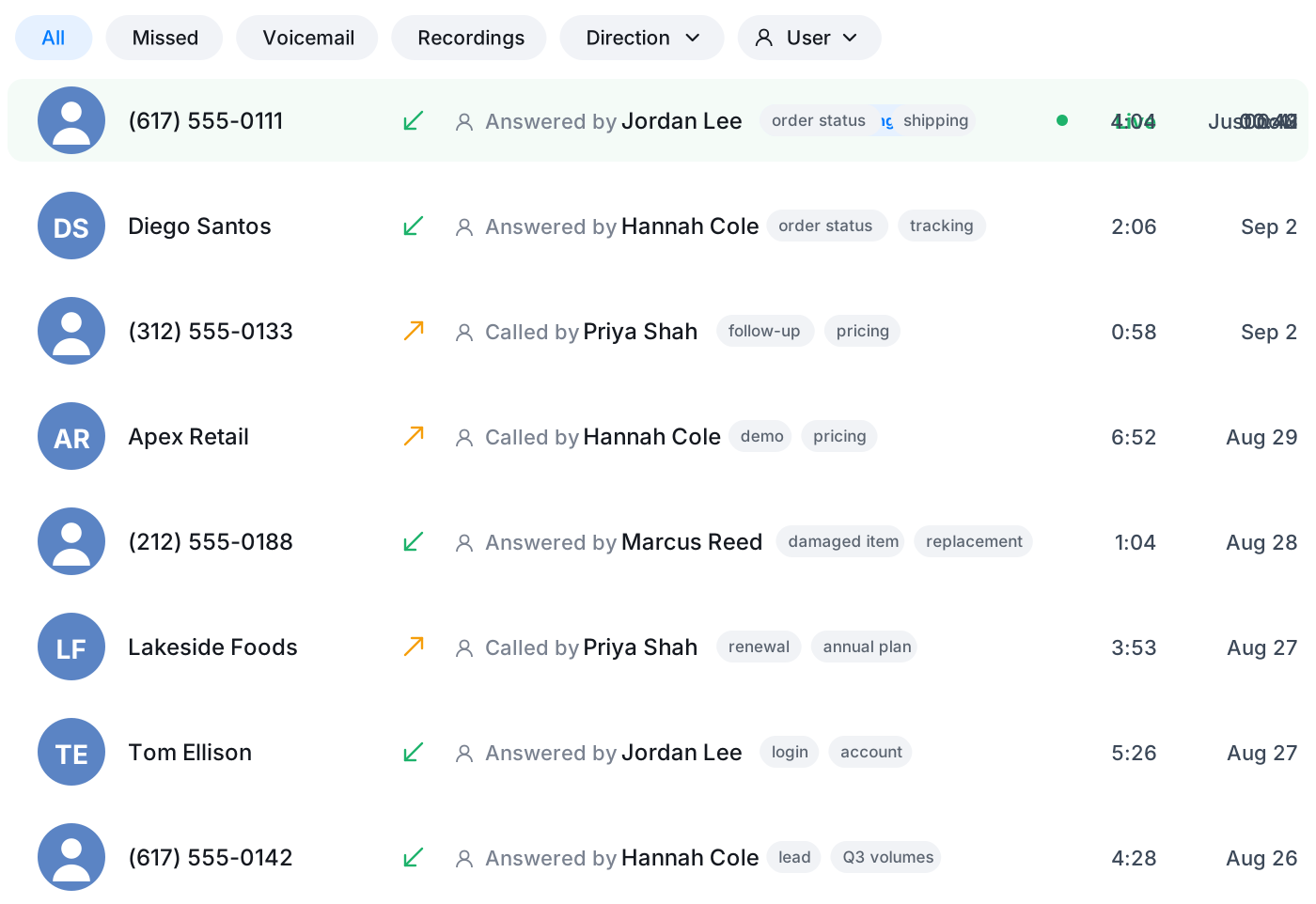
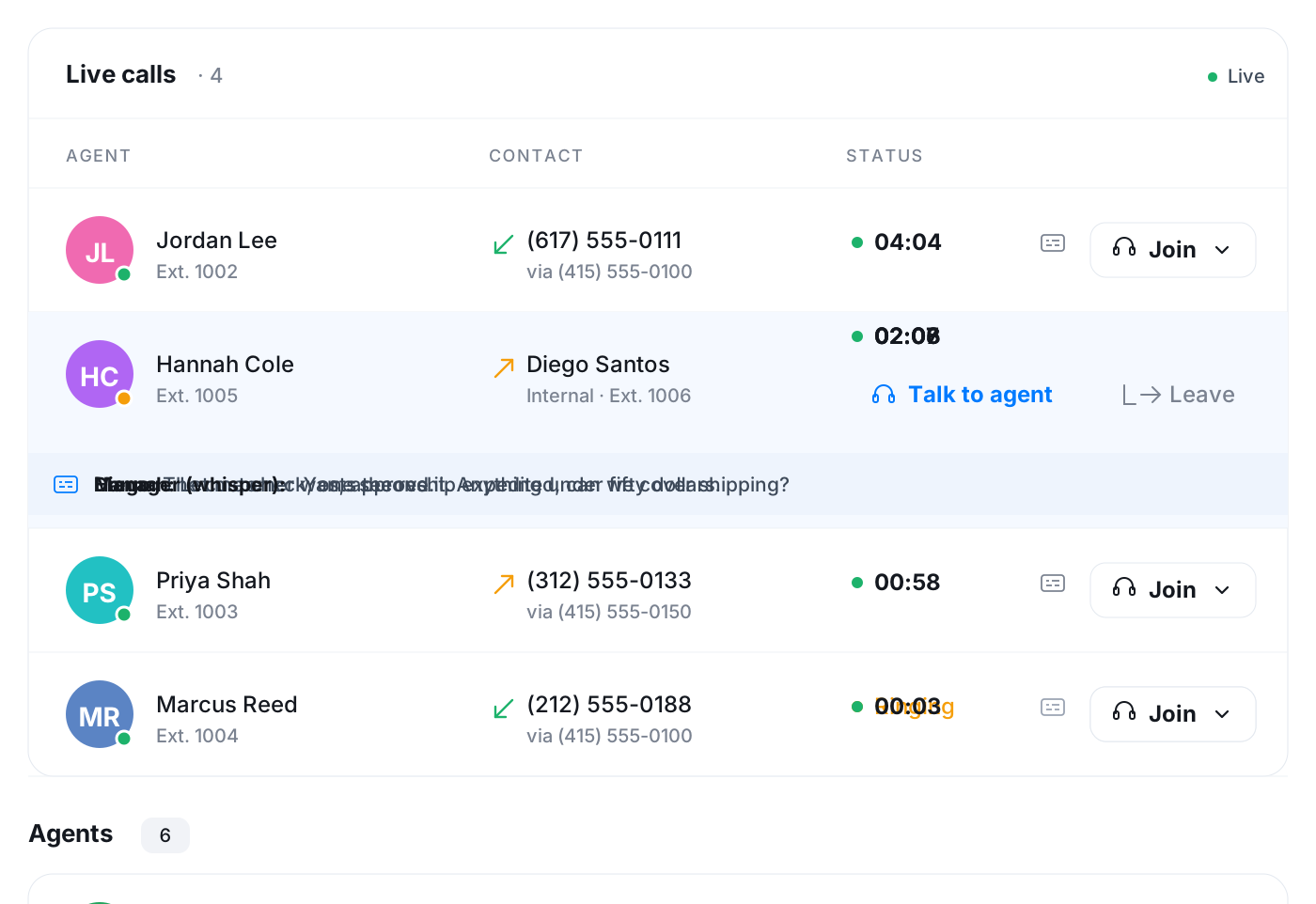
Know who is on the phone right now
The Team page counts agents online, calls in progress and calls waiting, and lists everyone with their extension, department and status. Admins can listen in or whisper on a live call when a situation needs it.
- Agents online, on a call and ringing at a glance
- Roster with role, department and extension
- Listen-in and whisper for admins
Hand out work with the permissions to match
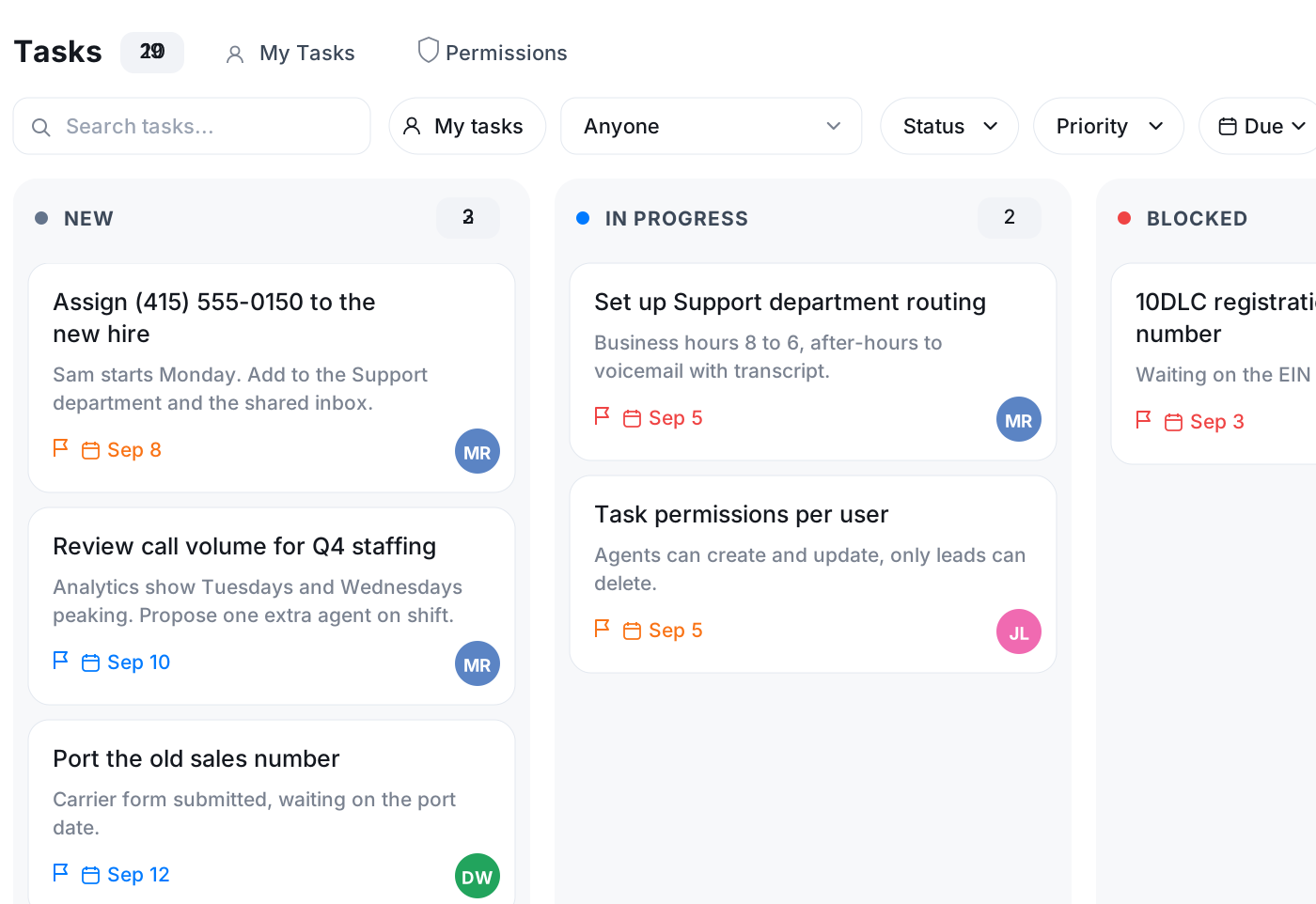
Tasks live on boards inside Vylo. Admins decide per person who can read, create and update, and the app applies it immediately. Invite someone by email link, assign them numbers on the way in, and give them exactly the access they need.
- Per-user task permissions
- Invite by email link, numbers assigned on arrival
- Roles for who sees what
Frequently asked questions
Common questions about one app to run calls across the team
Try Vylo free for 7 days
Calls, SMS, email, team chat and AI call notes in one app.