Run several companies from one account
If you operate more than one business, you should not need a separate login for each. Vylo lets you keep separate numbers, departments and roles per company while managing them all in one place.
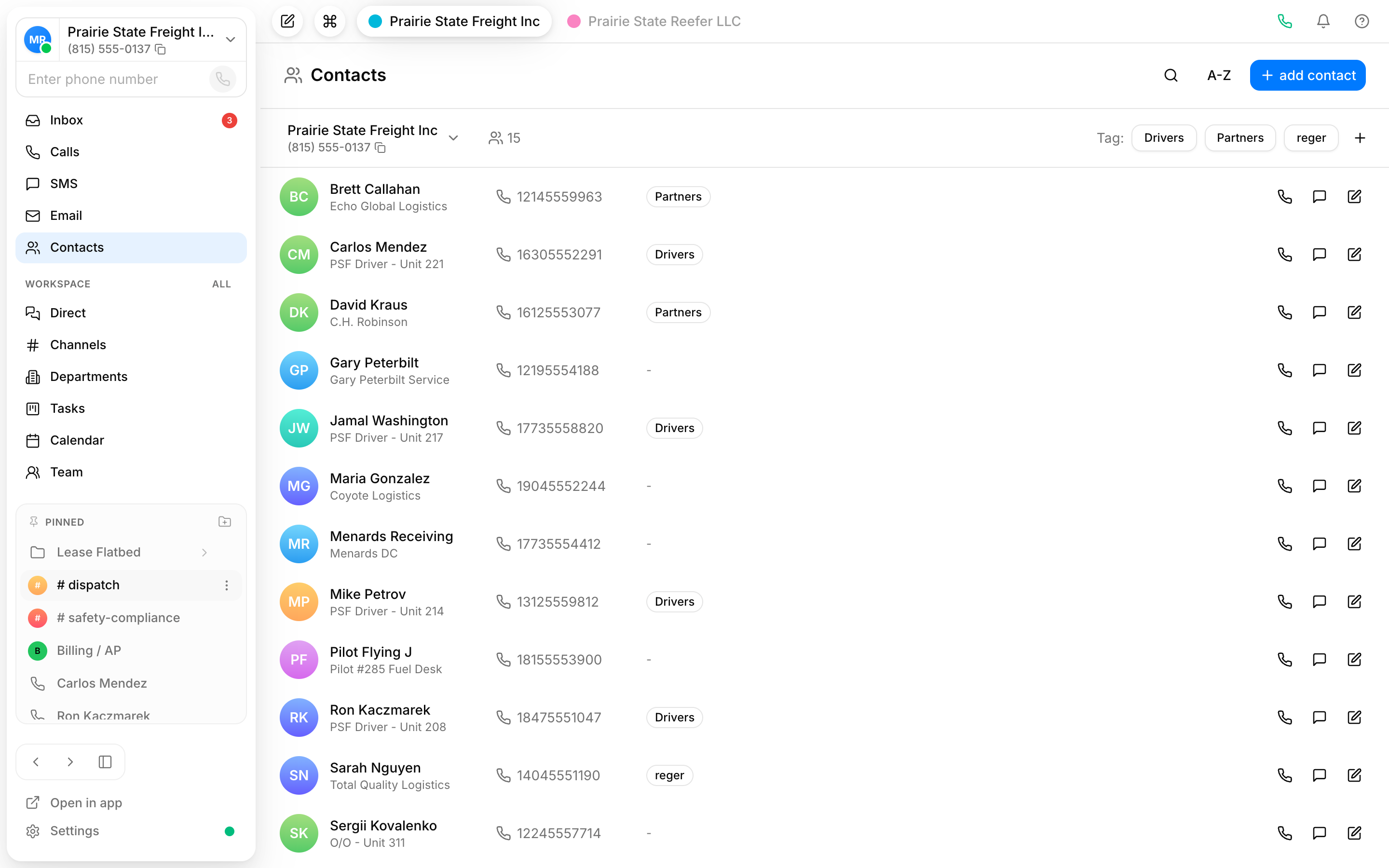
Separate numbers per company
Give each business its own number so calls and texts stay clearly tied to the right brand, with no mixed-up customer threads.
Departments that fit each one
Set up departments inside each company so calls route correctly whether it is sales for one brand or support for another.
Role-based access
Decide who sees what. Give people access only to the companies and tools they should touch, and keep the rest private.
Keep each business clearly separate
Running two or three companies usually means two or three accounts and a lot of logging in and out. Vylo keeps each one distinct, its own number, its own conversations, its own people, while you manage everything from a single account.
- A dedicated number for every company
- Contacts and conversations stay tied to the right brand
- Departments configured per company
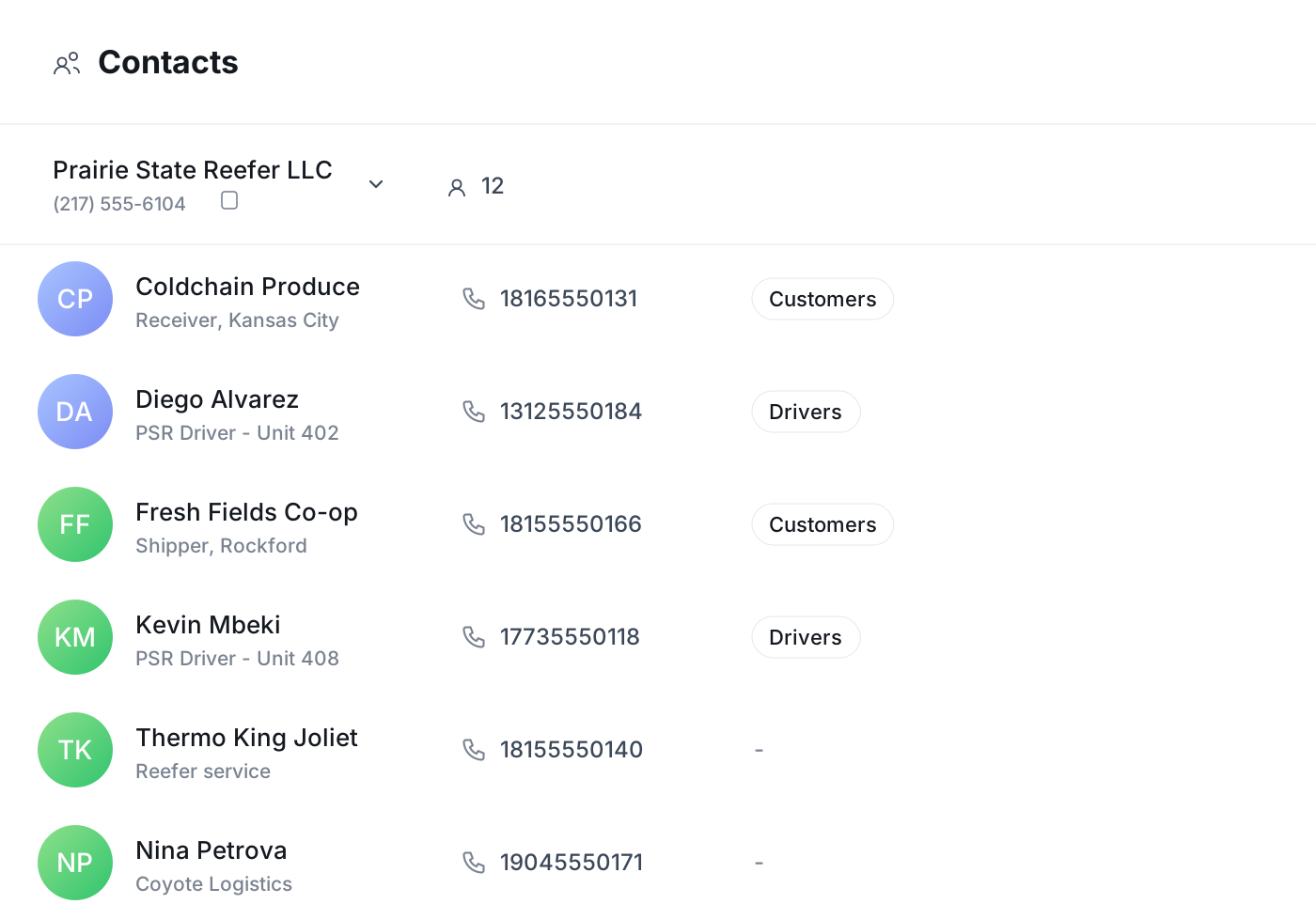
Control who can see and do what
When several businesses share one account, access matters. Role-based access lets you decide which company each person belongs to and what they can do there, so a teammate working on one brand is not poking around in another.
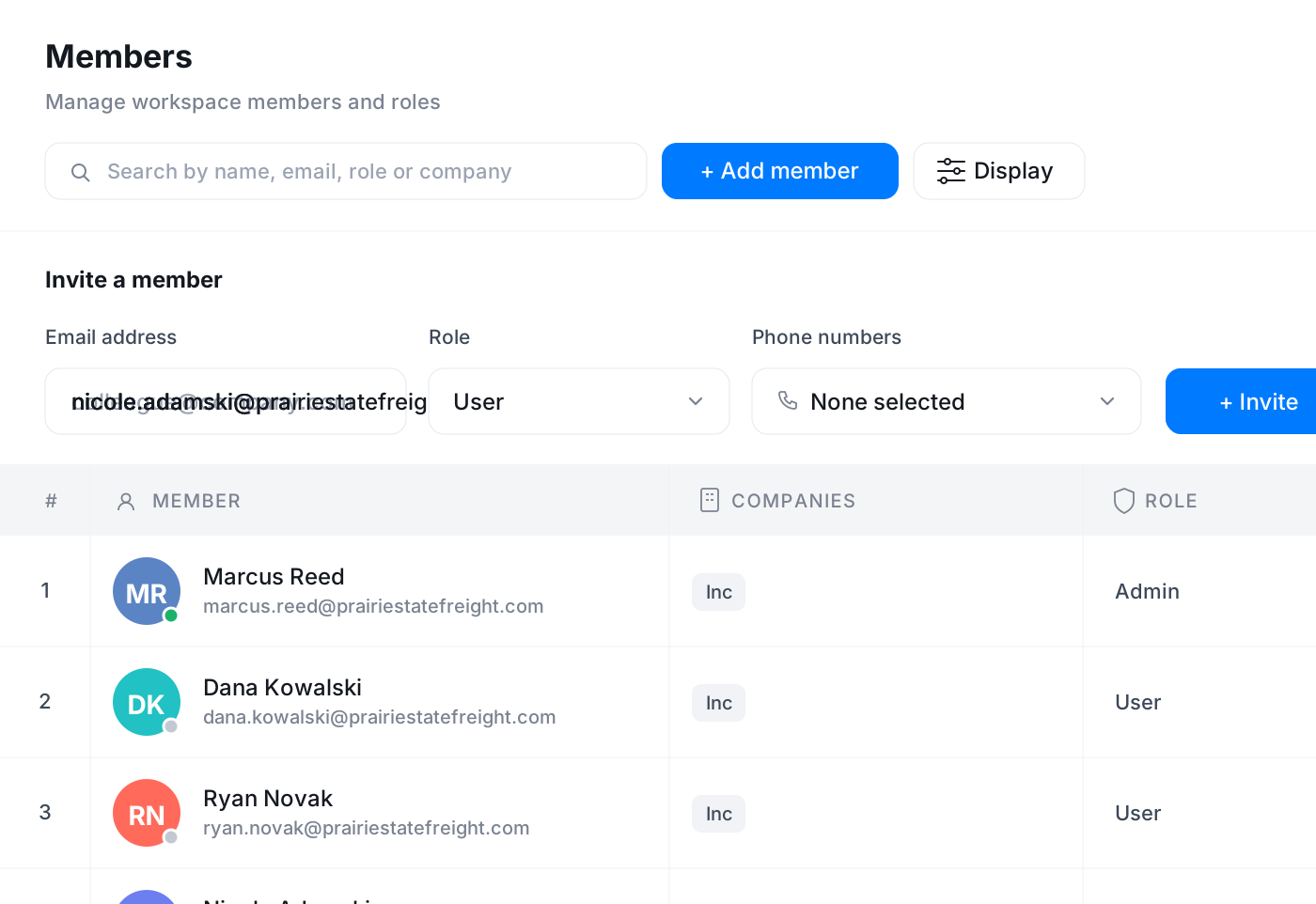
One place to manage the whole group
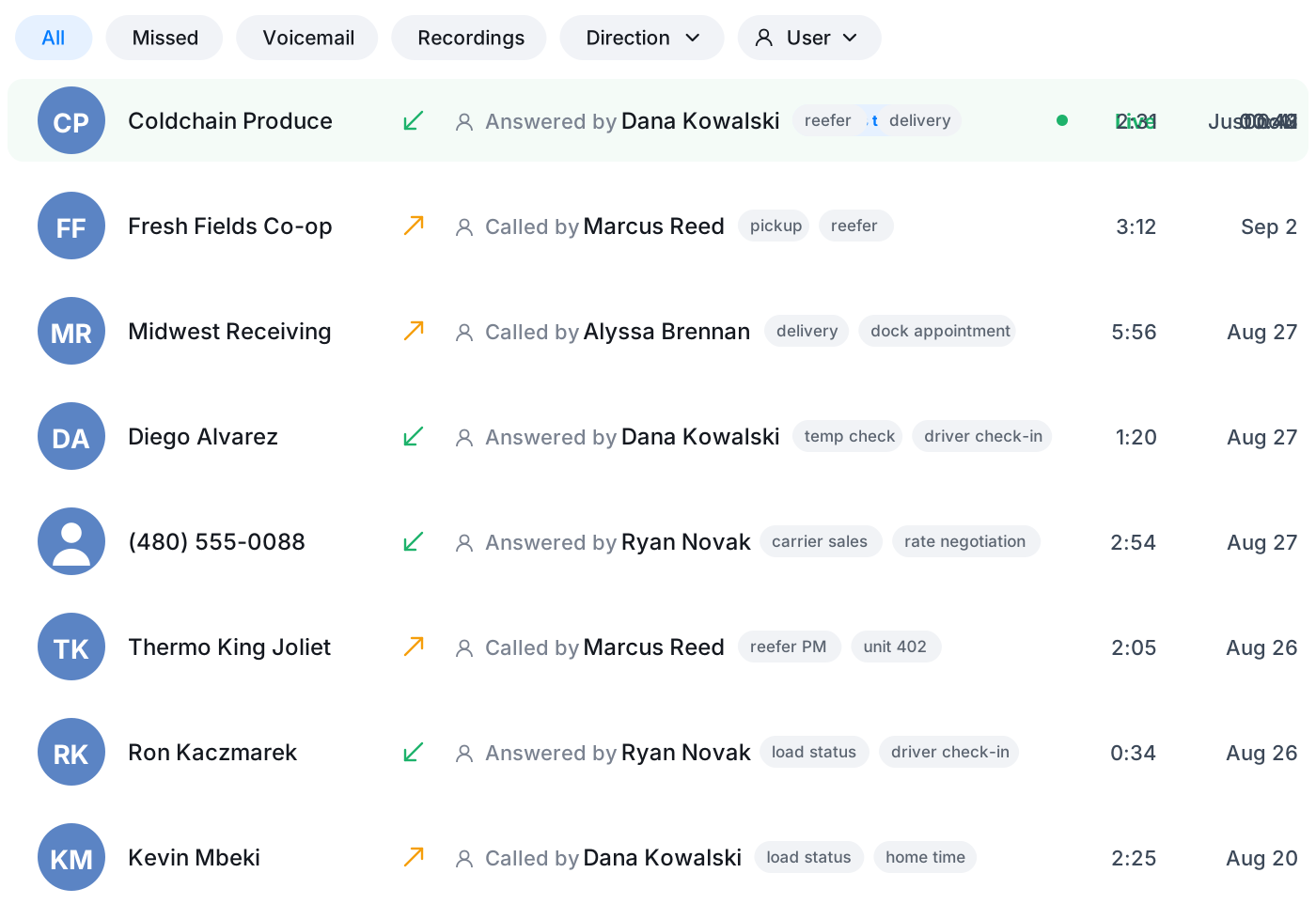
Switch between companies without switching tools. Calls, texts, chat, contacts and analytics all work the same way across each business, so once you know Vylo for one, you know it for all of them.
Frequently asked questions
Common questions about run several companies from one account
Try Vylo free for 7 days
Calls, SMS, email, team chat and AI call notes in one app.