Keep every applicant conversation on one timeline
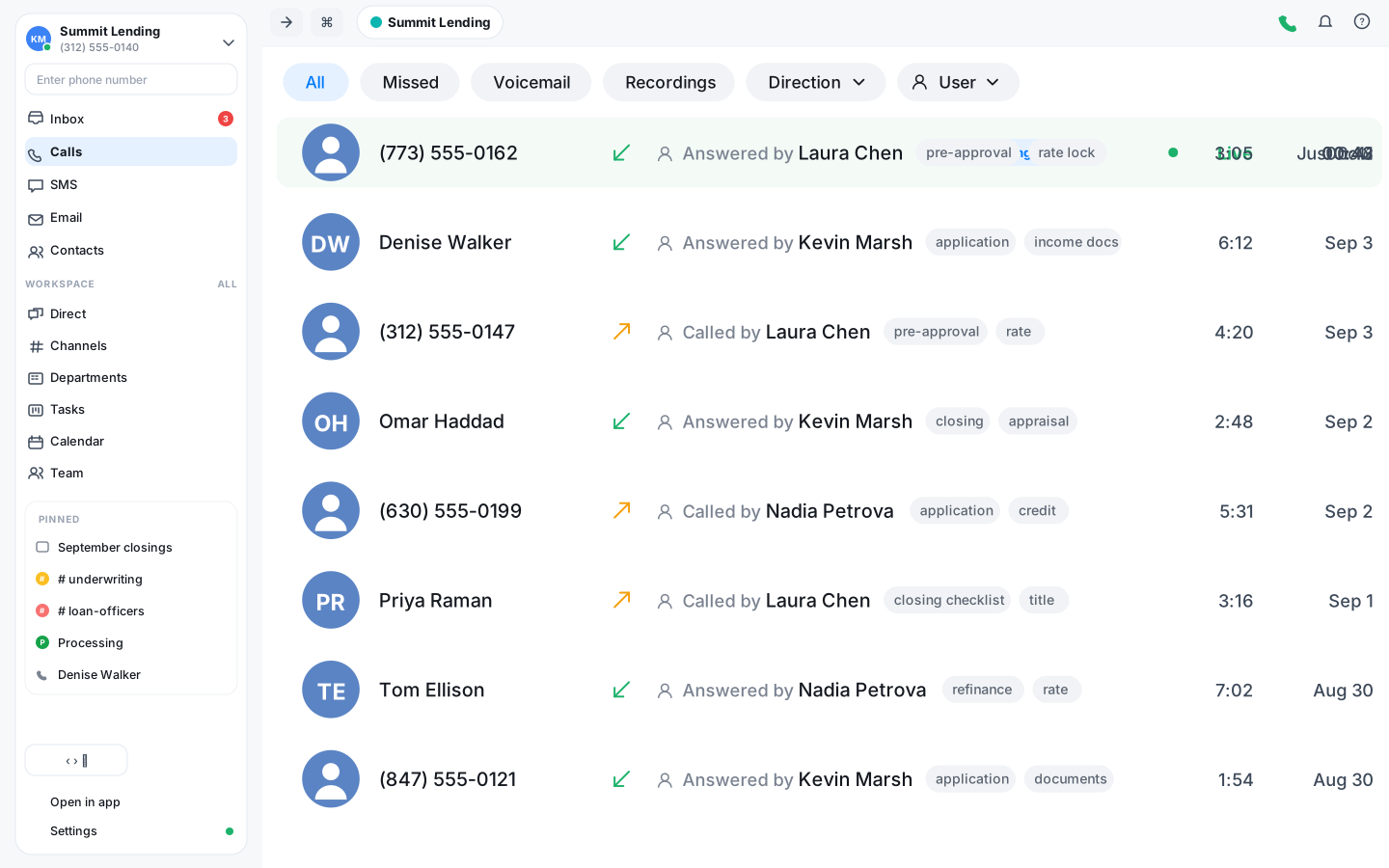
Applications move on phone calls and quick texts. Vylo keeps them together per applicant, records the calls, and lets Oly write the notes, so a file never stalls because the one person who knew the details is out.
One timeline per applicant
Every call, text and voicemail with an applicant sits in order on their contact, with Oly's summary on each call. Anyone picking up the file sees where it stands.
Notes without the typing
Oly transcribes each recorded call and writes a short summary of what was discussed and what is still needed. The loan officer stays on the phone instead of writing it up.
Documents by text
Ask for the pay stub or the ID by text from the office number. The photo comes back as MMS into the same thread, next to the calls.
Know what was said on the last call before you dial
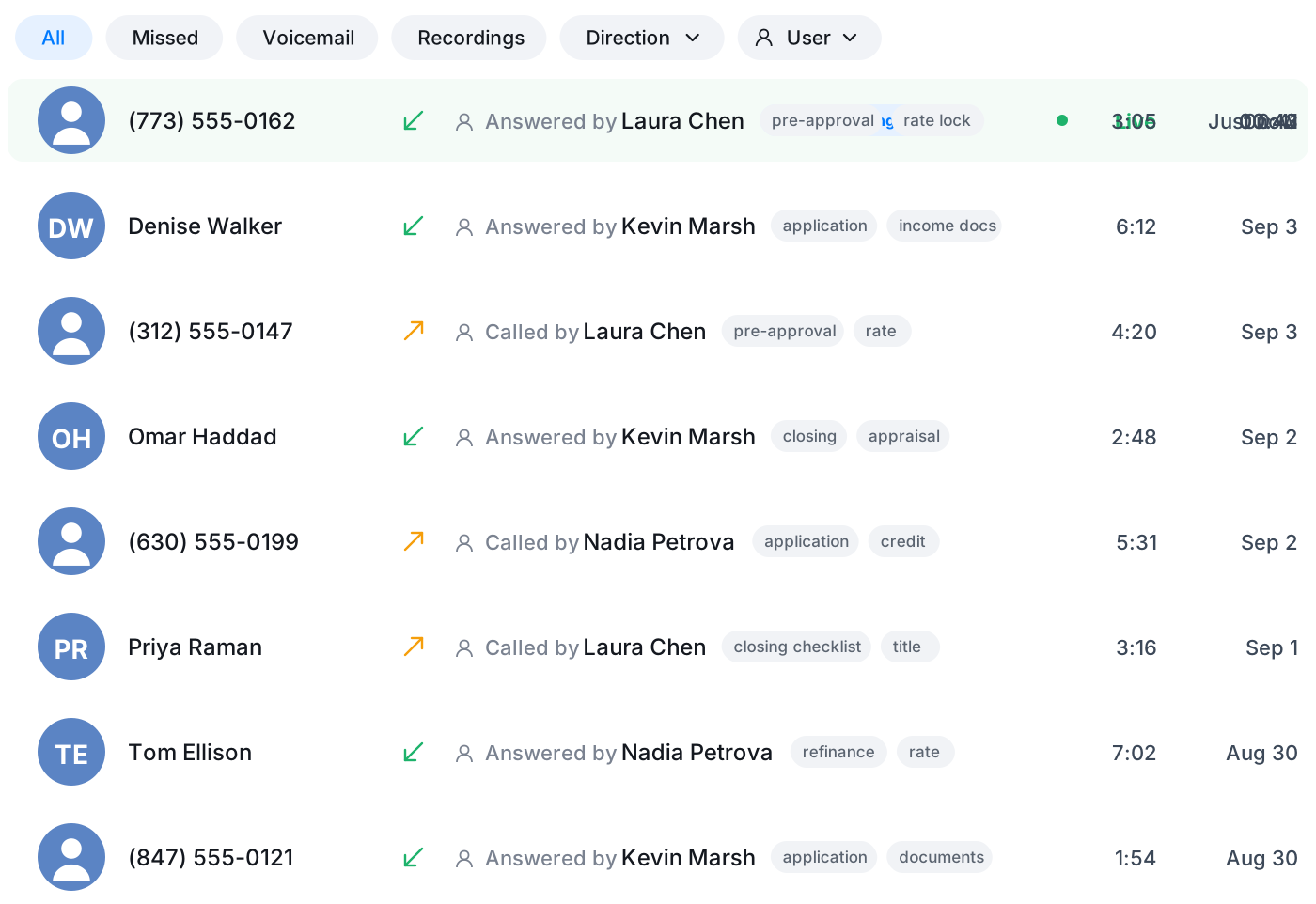
The call log shows who spoke to the applicant, on which number, and what it was about, with Oly's tags on every recorded call. Filter to missed calls and voicemails and you have the callback list for the morning.
- Transcript and summary on every recorded call
- Tags to spot the topic at a glance
- Missed calls and voicemails in one filter
Cover the desk when a loan officer is out
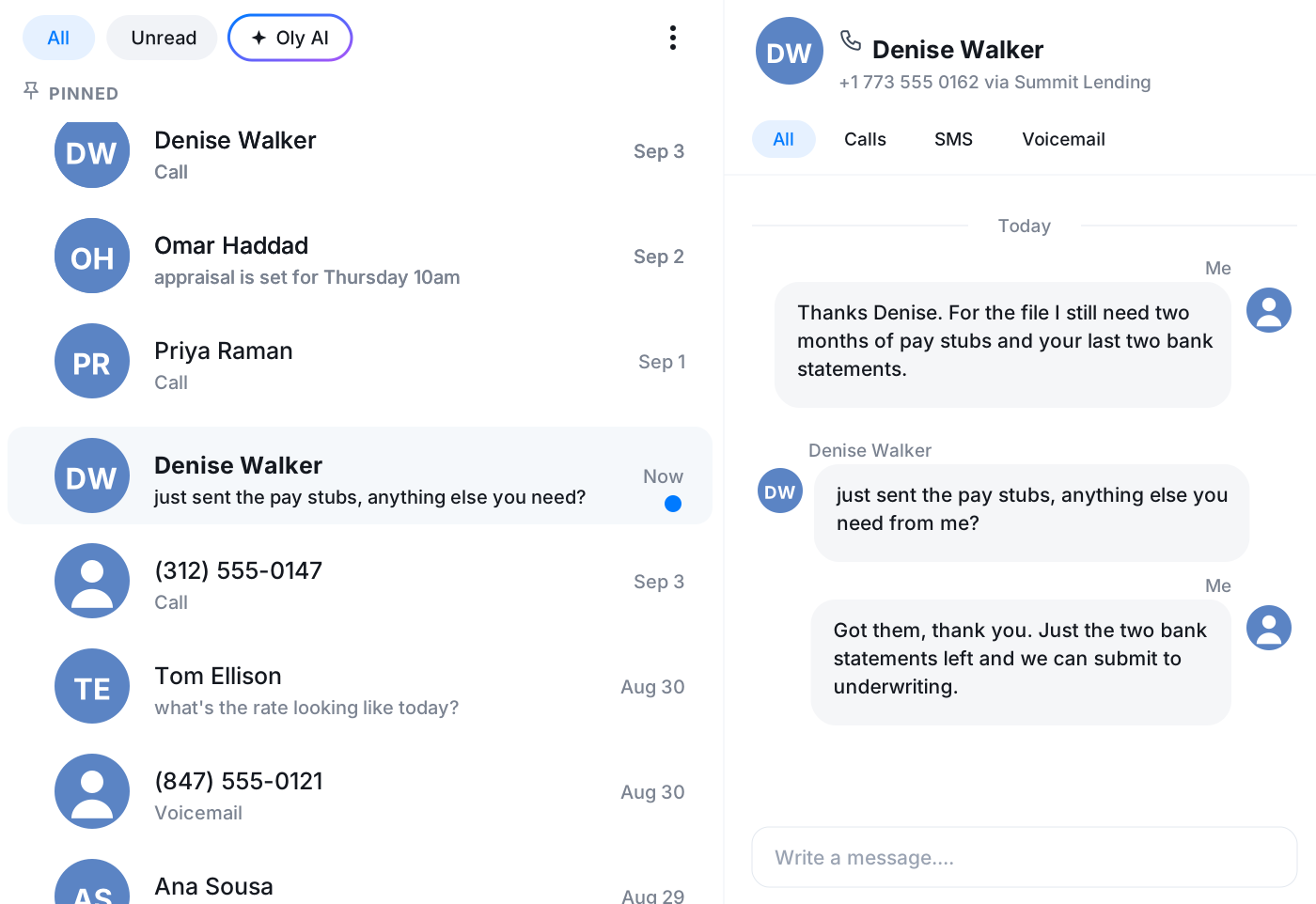
The inbox is shared. An applicant texts a question on a Friday afternoon and the person on duty answers from the same number, with the whole history right there. Nothing waits until Monday.
- Calls, texts and voicemails in one shared view
- Reply from the company number, not a personal cell
- See who has already answered
Coach new officers on live calls
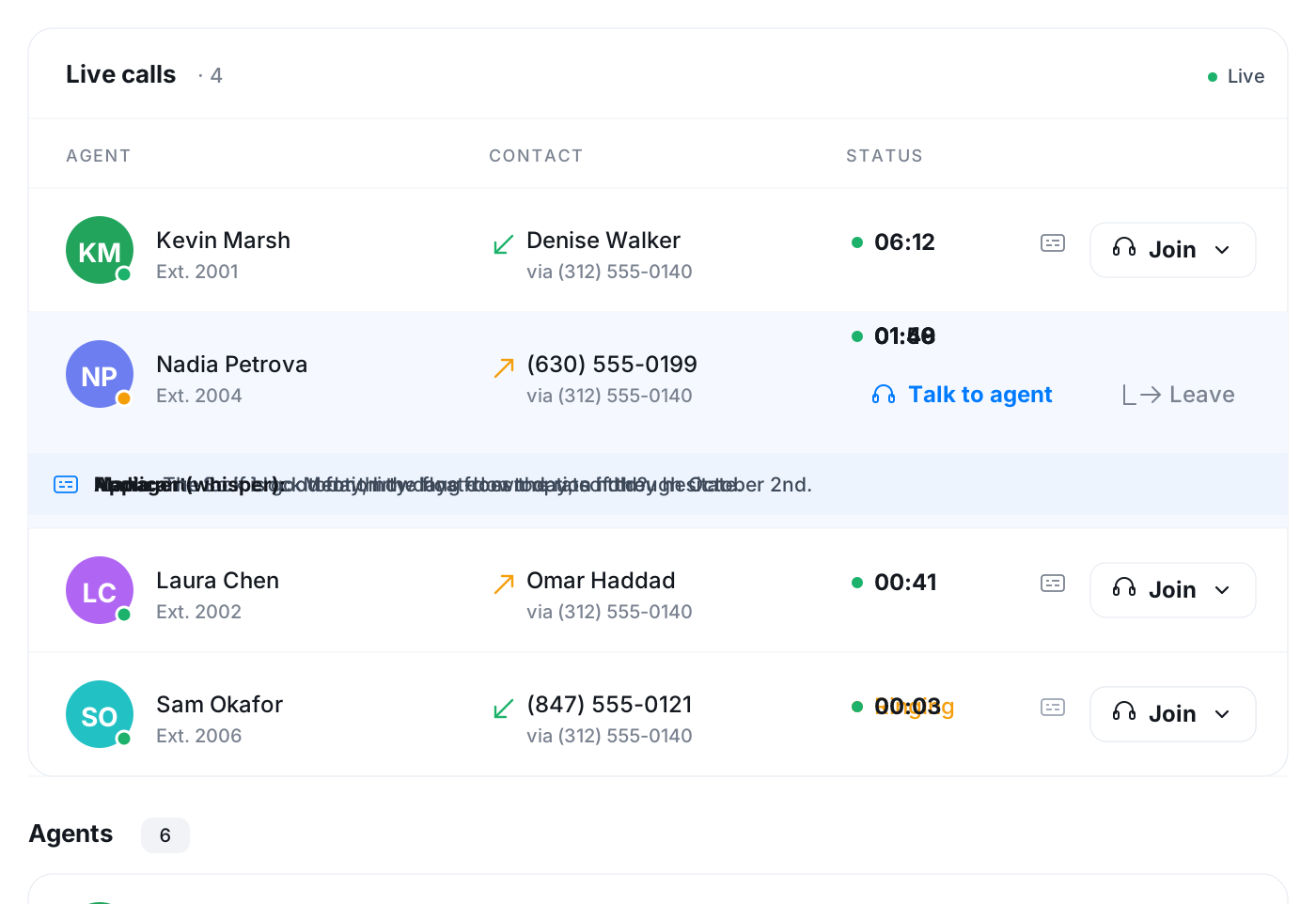
The Team page lists calls the moment they start. A manager listens in on a first-week call, whispers a hint that only the officer hears, or follows the live subtitles with the sound off.
- Listen in silently or whisper to the officer
- Live subtitles under any call in progress
- See who is on a call and who is free
The follow-up task, the email and the appointment
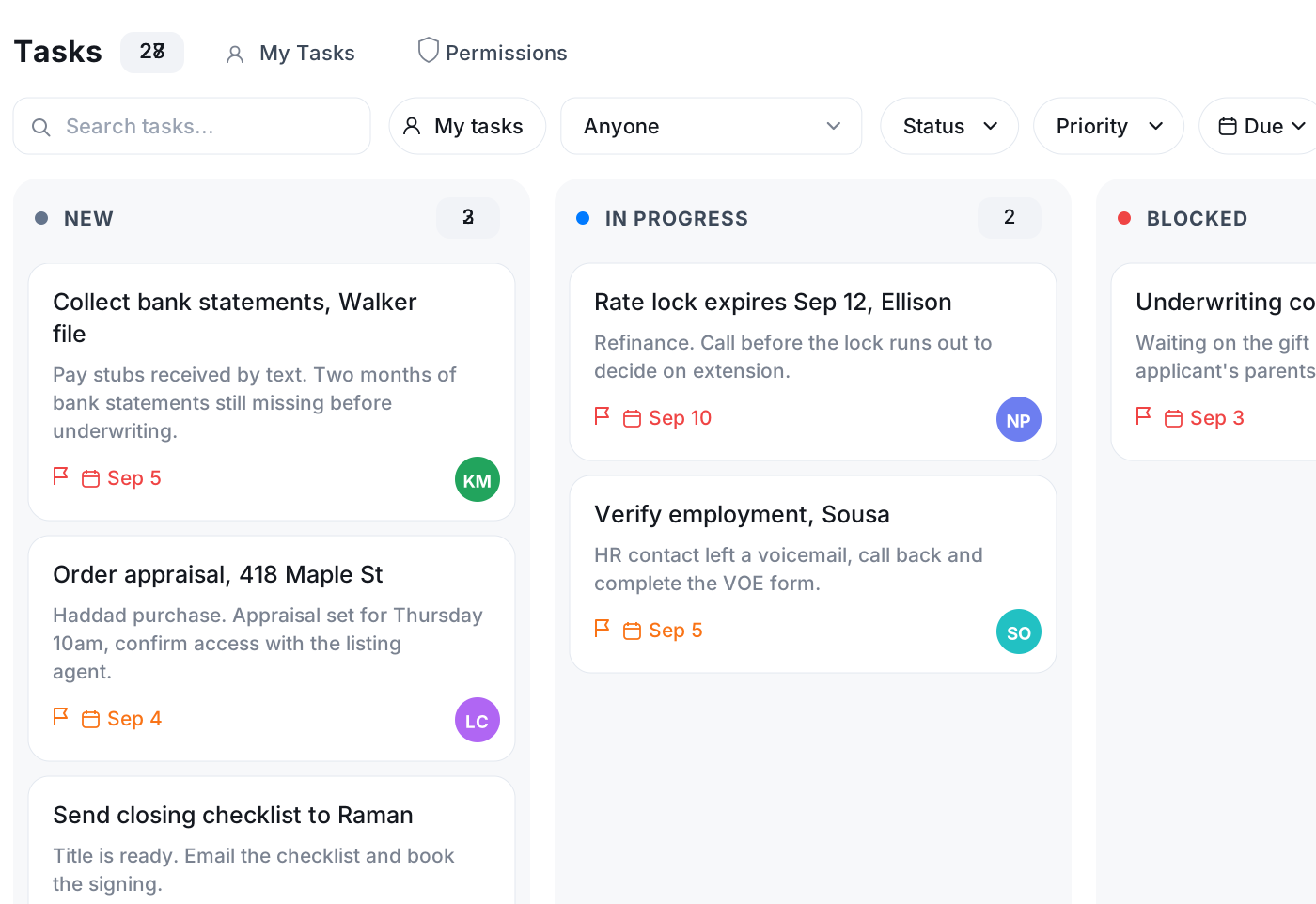
Create the task to chase missing documents straight from the conversation, assign it and give it a due date. Send the checklist from your own mailbox inside Vylo, and put the signing appointment on the calendar with a reminder.
- Tasks with owner, priority and due date
- Email from Google, Microsoft or IMAP, inside Vylo
- Calendar with reminders and Google sync
Frequently asked questions
Common questions about keep every applicant conversation on one timeline
Try Vylo free for 7 days
Calls, SMS, email, team chat and AI call notes in one app.