Oly tags what each call was about
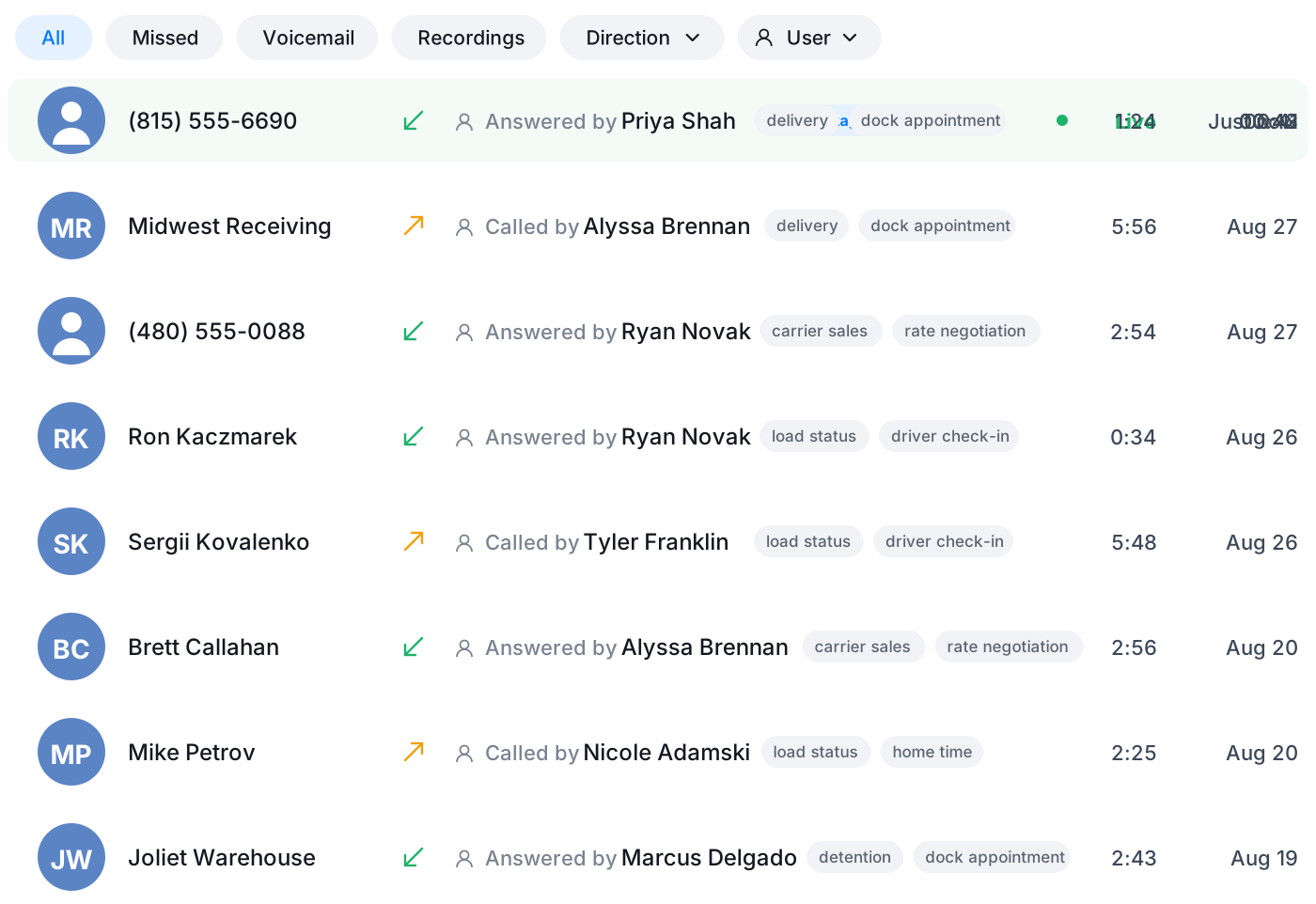
Oly reads the conversation and tags what it was about, so your inbox sorts itself by topic. Find the billing calls, the support questions, or the follow-ups without scrolling through everything.
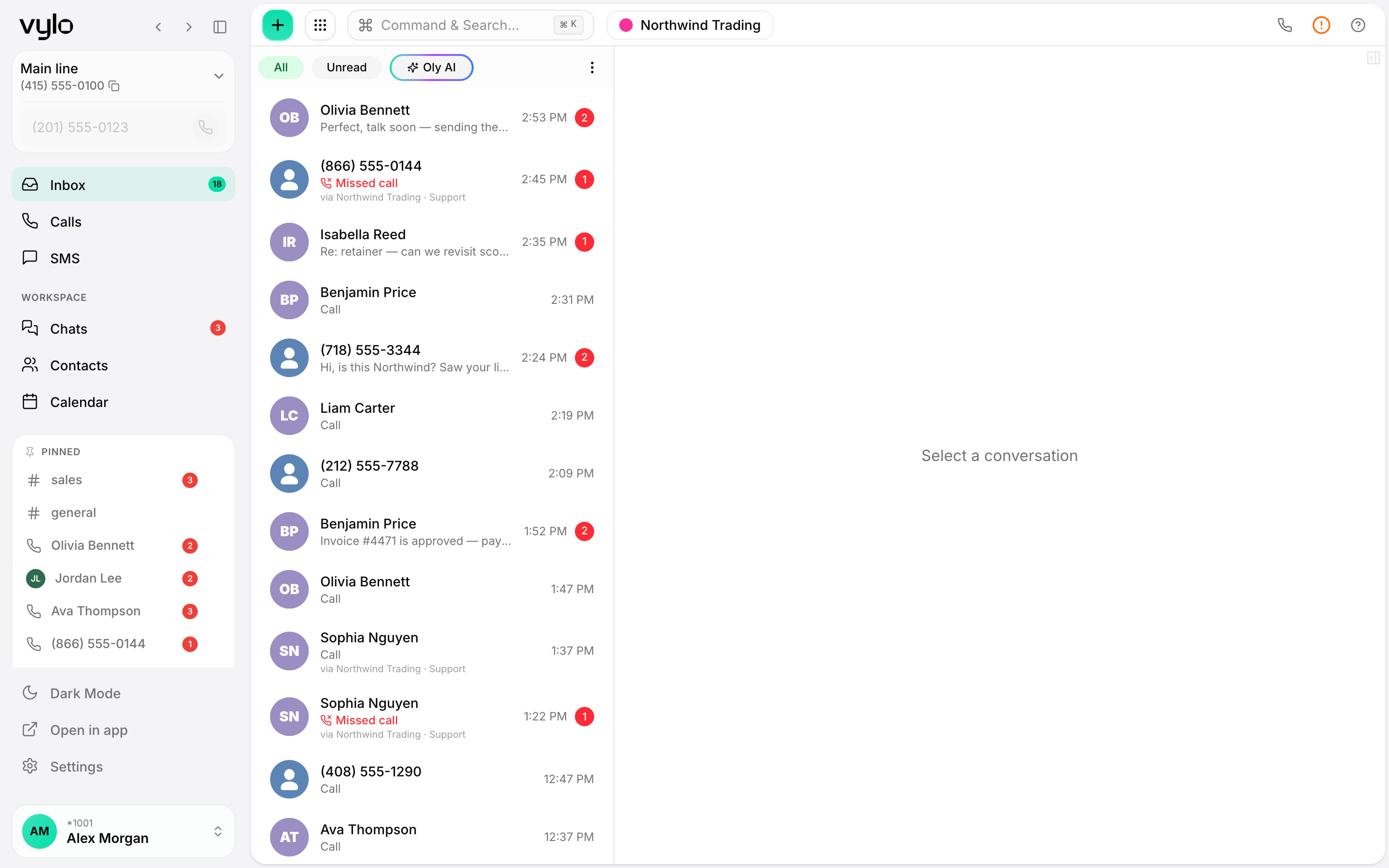
Sorting that happens on its own
No one has to label conversations by hand. Oly tags the topic as calls come in, so the inbox organizes itself.
Find a whole type of call at once
Want every conversation about billing or returns? Filter by tag and pull them together instead of hunting one by one.
See what people actually call about
Tags turn a busy inbox into a readable picture of the topics coming up most across your team.
Your inbox groups itself by what was said
Oly looks at each call and applies a tag for the topic. Over a day the inbox stops being one long undifferentiated list and starts grouping into the things people are actually reaching out about. You scan tags instead of reading every thread to figure out what's what.
- Topics applied automatically as conversations come in
- Filter the inbox down to a single tag in a click
- No manual labeling for your team to keep up with
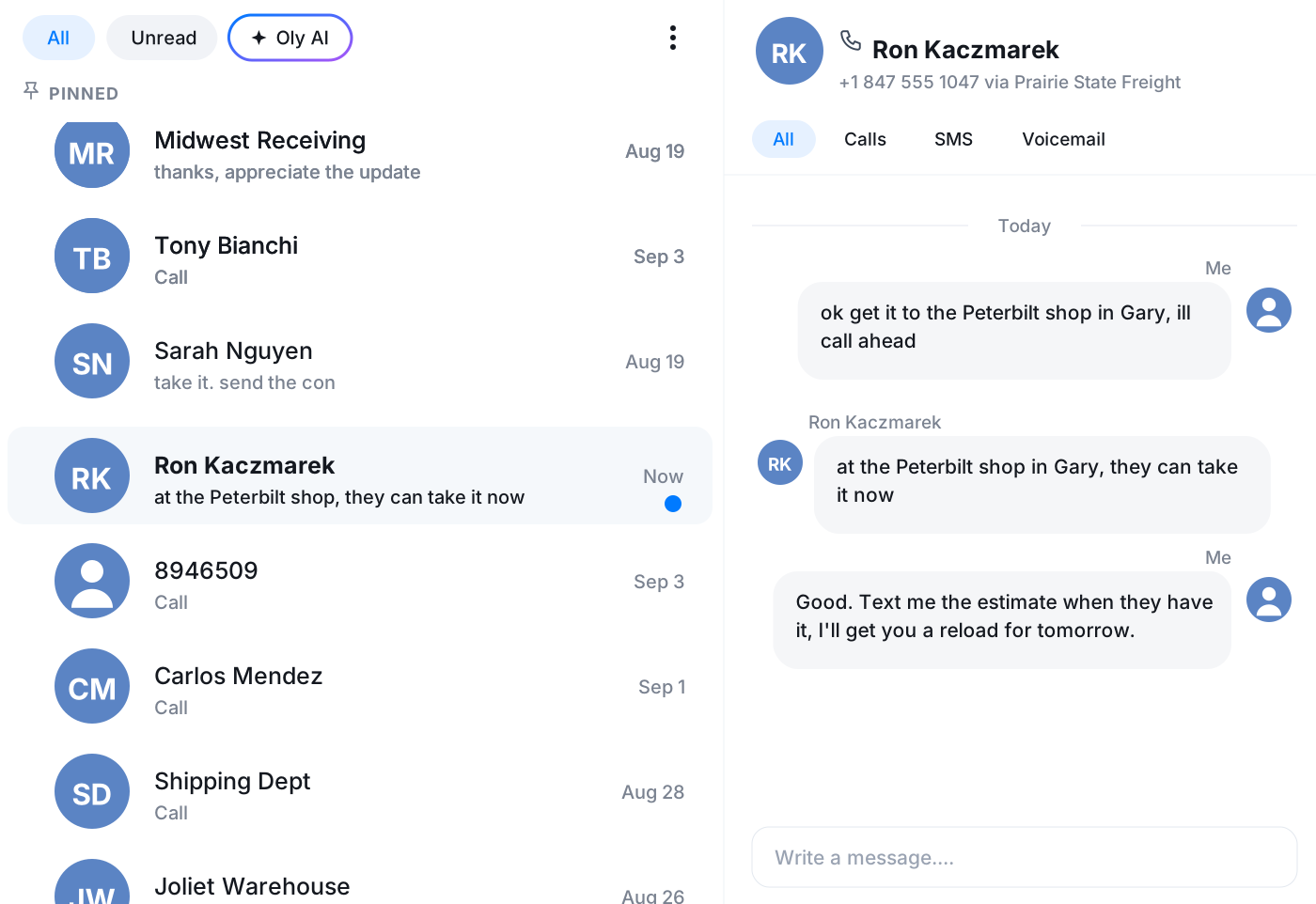
From a wall of messages to a clear queue
When everything looks the same, the urgent call hides next to the casual one. Tags break that up. You can jump to the topic that matters right now and leave the rest grouped for later, so the busy day feels like a sorted queue instead of a pile.
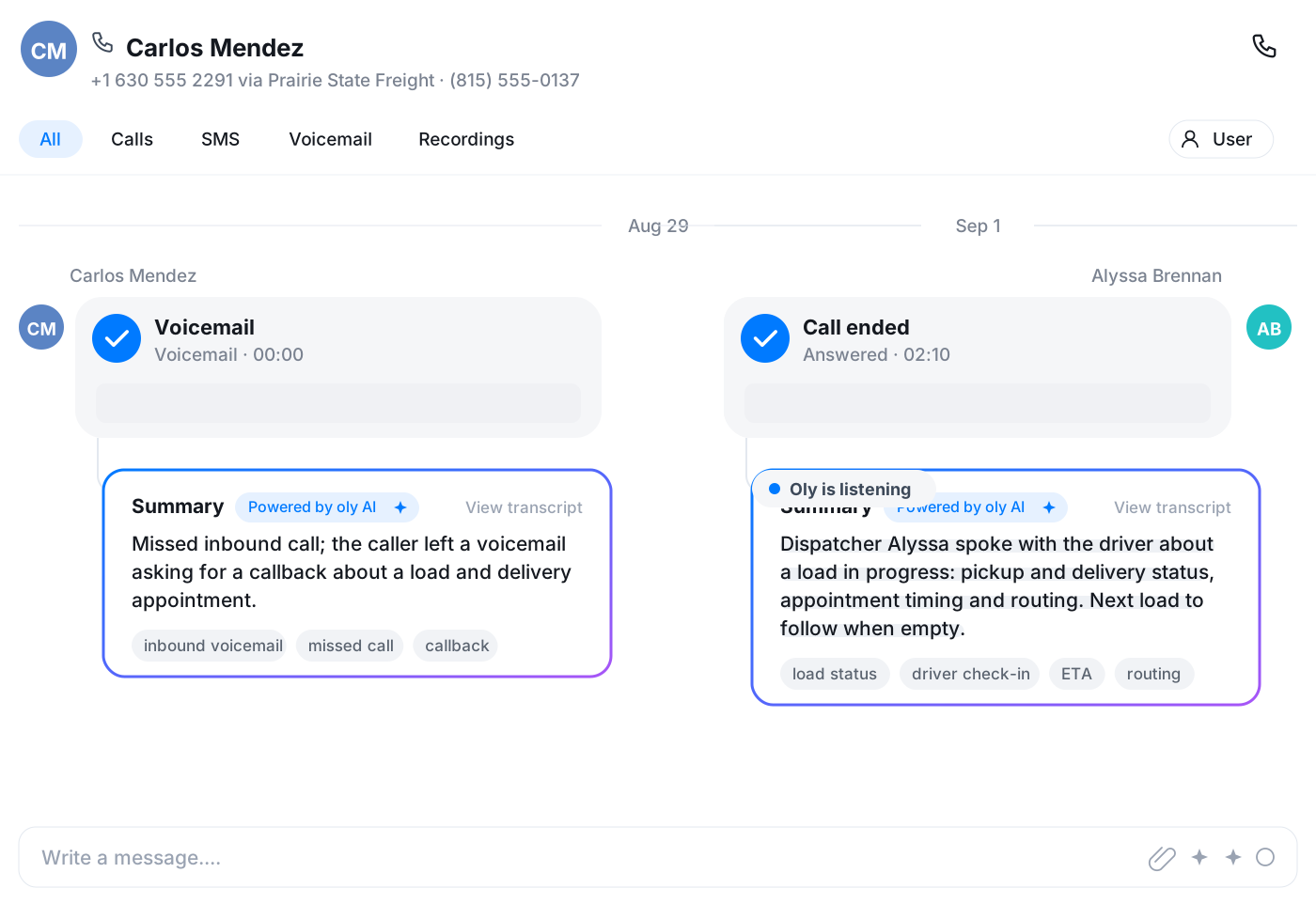
Read the room across every conversation
Because the tagging is consistent, the same topics surface the same way every time. That makes it easy to notice when one subject starts coming up a lot, so you can spot a pattern in what people are calling about without reading every single thread.
Frequently asked questions
Common questions about oly tags what each call was about
Try Vylo free for 7 days
Calls, SMS, email, team chat and AI call notes in one app.