Channels and DMs for your team
Talk to the whole team in channels or one person in a direct message, in the same app you call and text customers from.
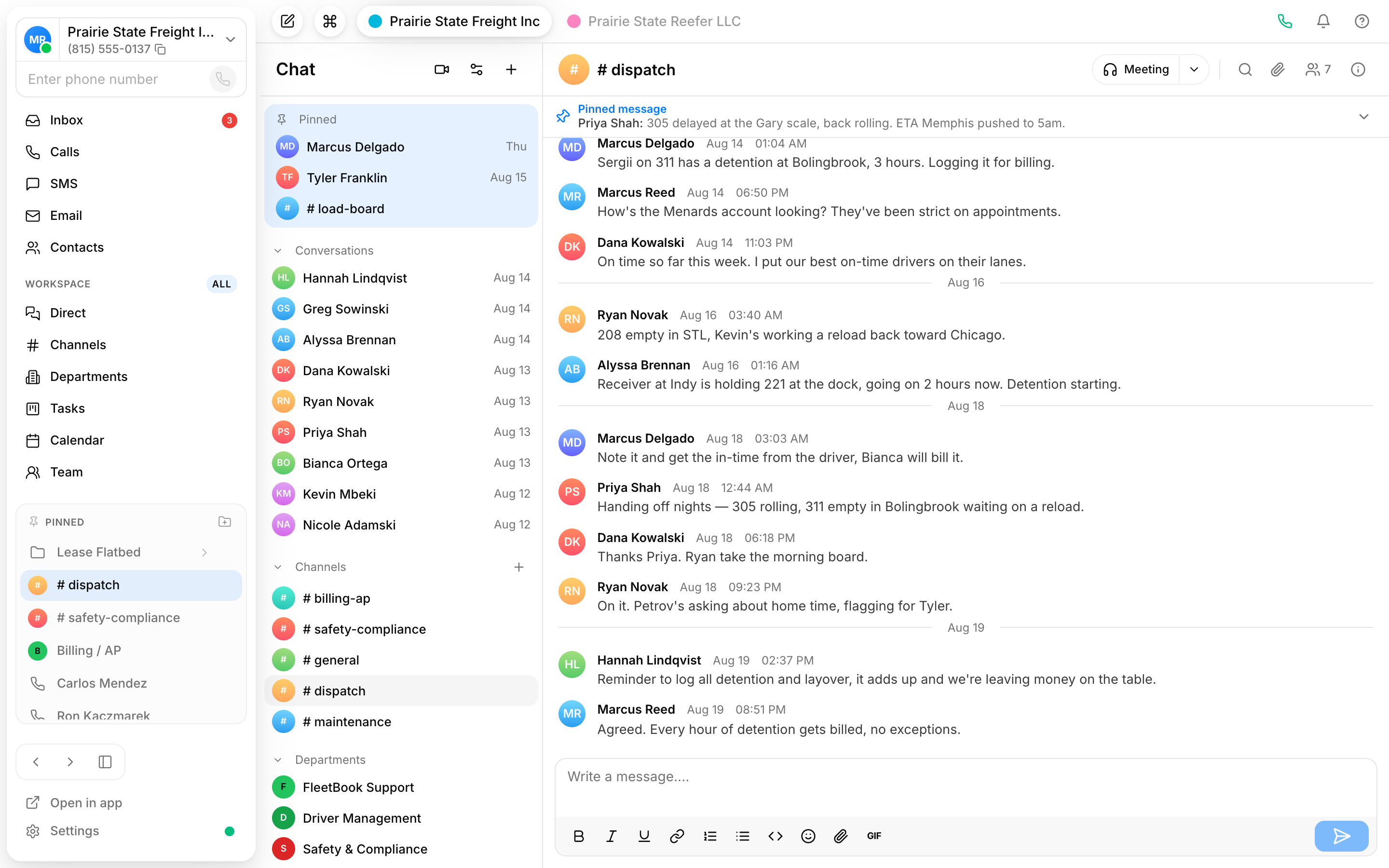
Channels for the work
Spin up a channel per team, project, or topic so the right people see the conversation and it stays out of everyone else's way.
Direct messages for the rest
Need one person? Send a DM. Quick questions don't have to interrupt a whole channel.
React and share files in line
Add a reaction to keep replies down and drop files straight into the conversation, so context lives next to the discussion.
A channel for every conversation
Channels keep team chat organized by topic instead of one endless feed. Post a message, react to keep noise low, and attach the files people need without leaving the thread.
- Group conversations by team or project, or by department
- React to messages instead of piling on replies
- Share files where the discussion is happening
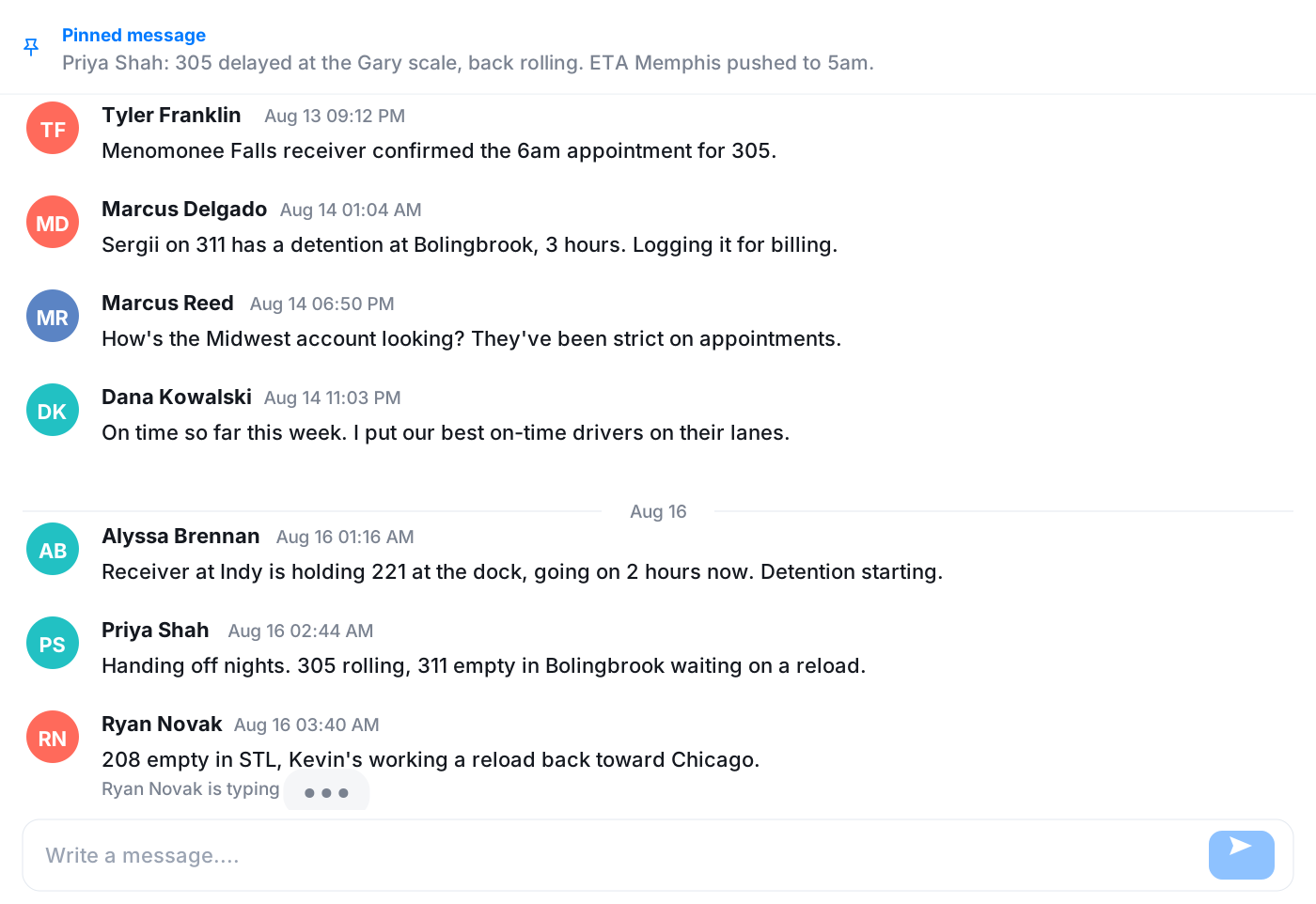
Pin what matters, share what happened
Pin a message so the rate card or the address stays at the top of the room, and pin the rooms you live in so they're always first in the list. When a call or a text is worth discussing, share it into a room straight from its context menu and the team sees it in context.
- Pinned messages and pinned rooms
- Share a call or text thread into a room
- New rooms open with a welcome message
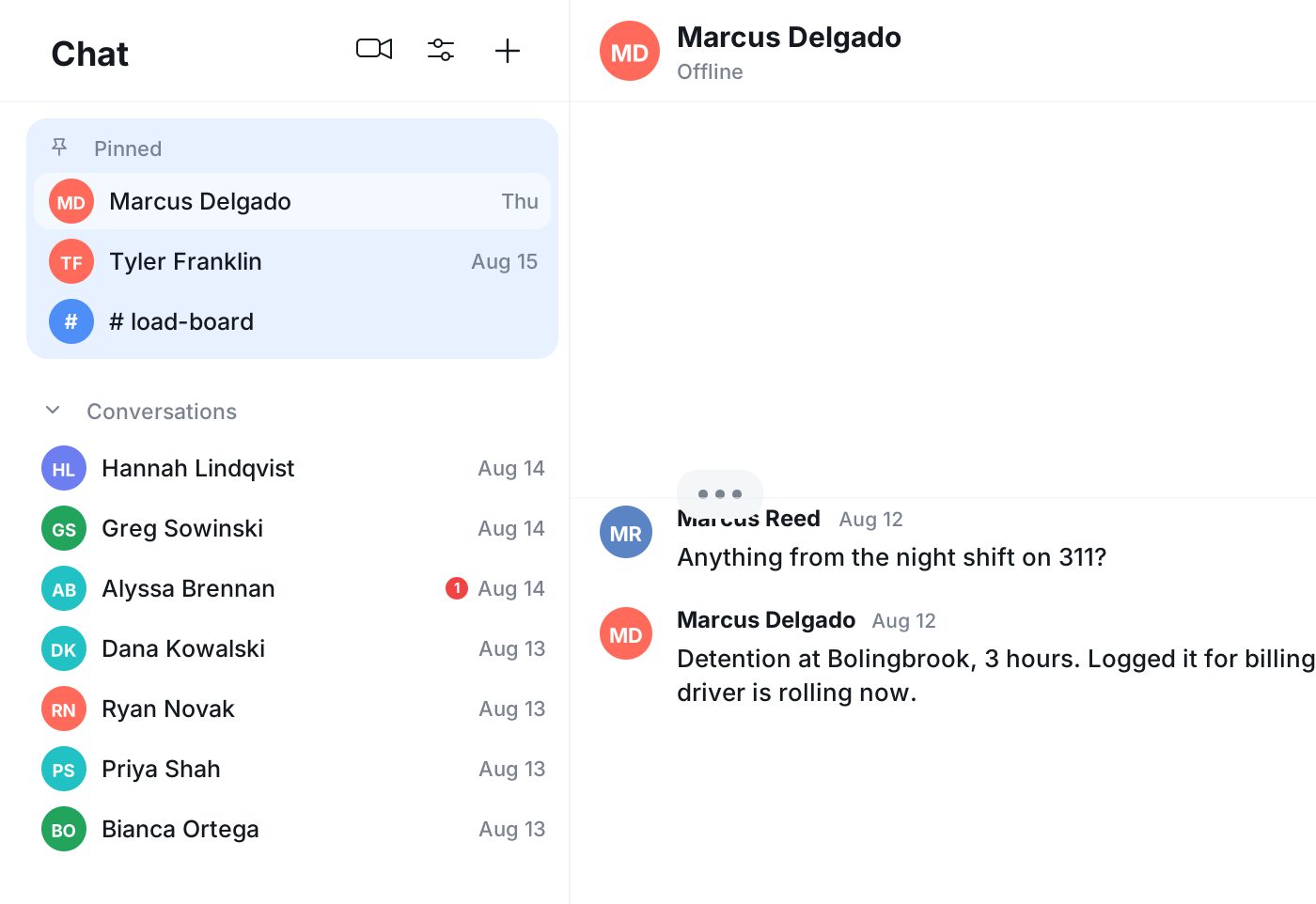
Customer calls and team chat, one app
Your chat list sits alongside your calls and texts, so you don't tab between tools to ask a colleague a question while you're with a customer. Everything your team says to each other lives in the same place as everything you say to customers.
Frequently asked questions
Common questions about channels and dms for your team
Try Vylo free for 7 days
Calls, SMS, email, team chat and AI call notes in one app.