Run several business numbers from one app
Keep a number for sales, one for support, and one for a side project, all in the same place. Switch which one you're calling from without carrying extra phones.
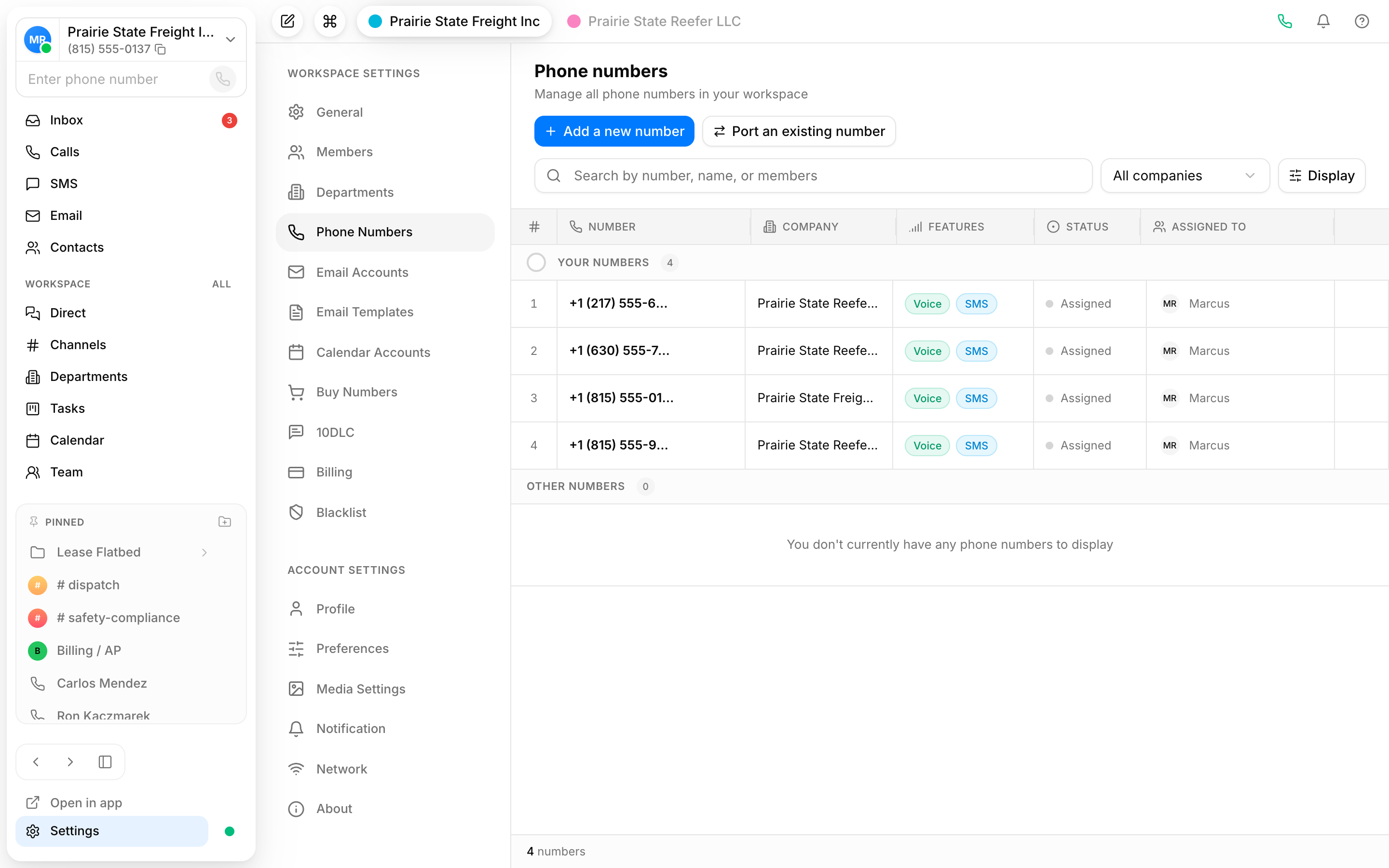
One app, many numbers
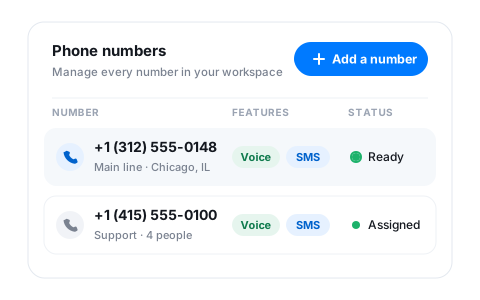
Add the numbers your business uses and manage them together. No second SIM, no second handset, and no juggling apps to keep lines apart.
Pick the line before you dial
Choose which number a call goes out from so the right name shows on the other end. Your sales line stays your sales line.
Keep work off your personal number
Hand out a business number instead of your own. Calls and texts to it stay inside Vylo, so your personal line stays private.
Switch lines without switching phones
Tap to choose which number you're calling or texting from, then send the next call out on a different one. Each number keeps its own history, so it's always clear which line a conversation belongs to.
- Set a default line and override it per call
- See incoming calls labeled by the number that was dialed
- Keep call and text history separate for each line
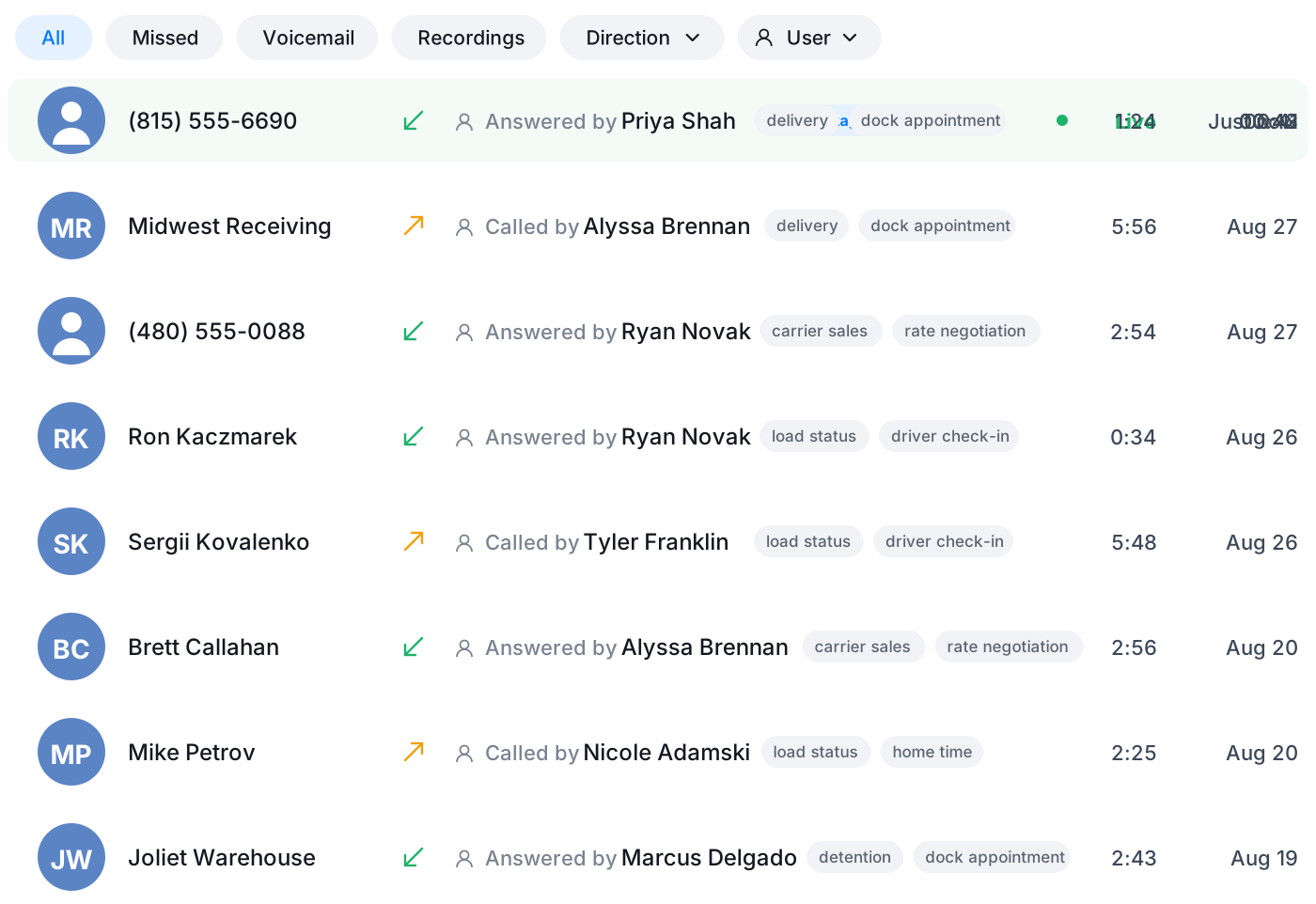
Give each number a job
A number for the front desk, one for a campaign, one for a region. Point each one at its own greeting and call flow so callers get the right experience depending on which line they reached.
- Route each number to its own team or person
- Give every line its own greeting and voice menu
- Retire or repurpose a number when a project ends
Frequently asked questions
Common questions about run several business numbers from one app
Try Vylo free for 7 days
Calls, SMS, email, team chat and AI call notes in one app.