Your inbox, in the same window as your calls
Connect a Google, Microsoft 365 or IMAP mailbox and read, reply and send from Vylo. Email sits next to your calls, texts and chat instead of in a separate tab.
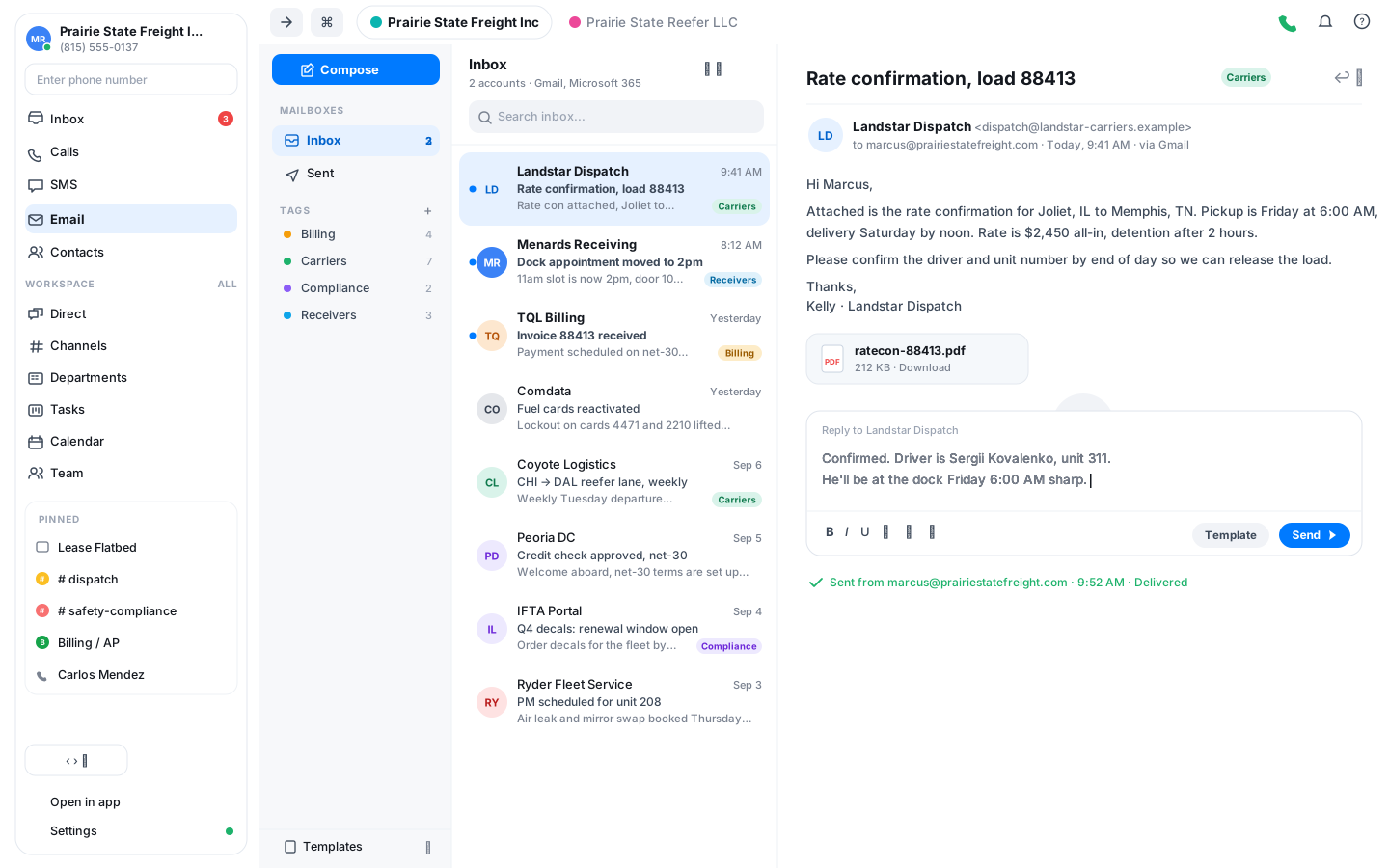
Bring the mailbox you already use
Sign in with Google or Microsoft, or add any IMAP and SMTP account. Your mail syncs into Vylo and replies go out from your own address.
One place for every channel
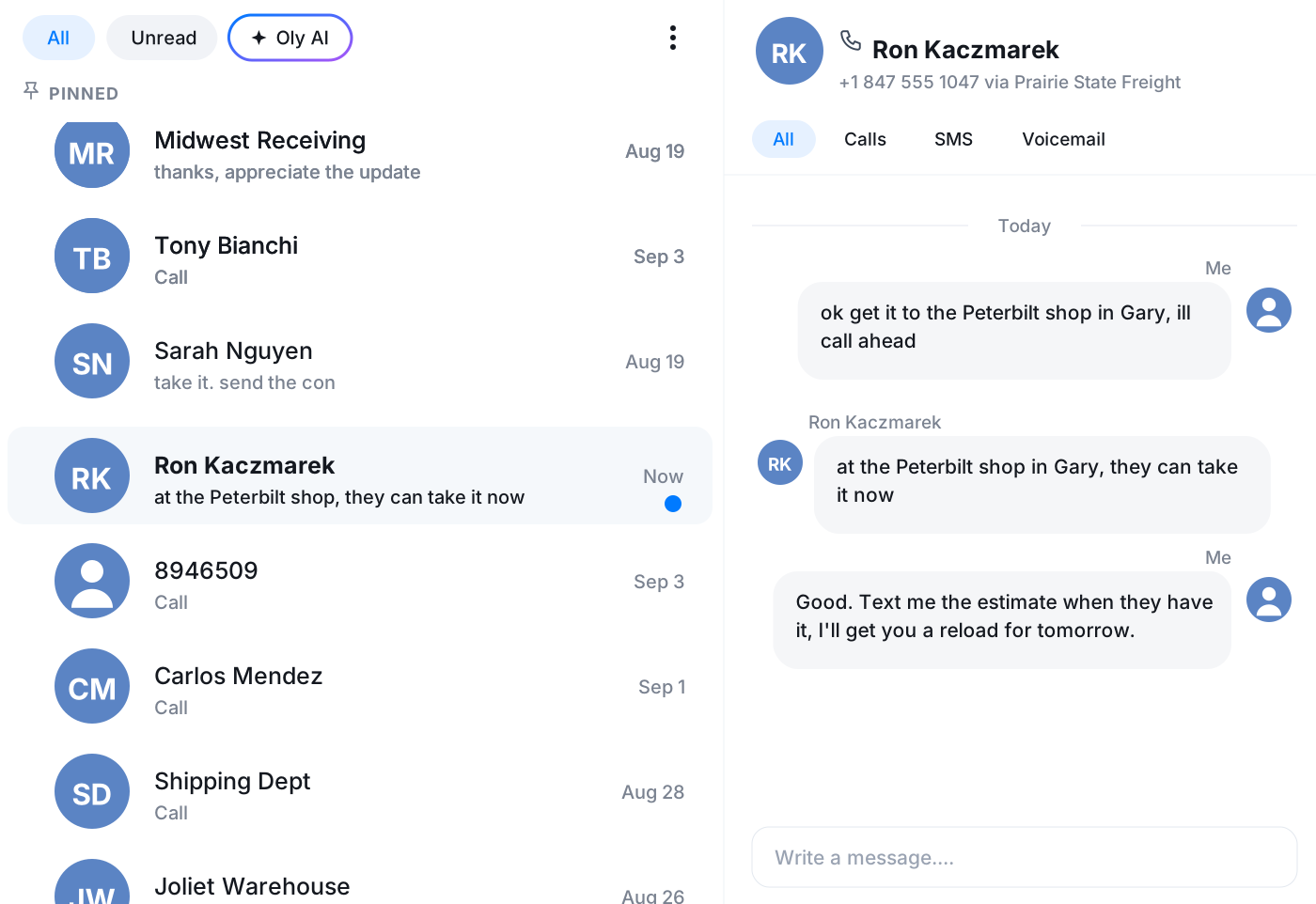
A customer who called this morning and emailed this afternoon is the same person. Both land in the app you already have open.
Templates for the replies you repeat
Save the emails you send every week as templates and drop one into a reply in a click, then edit the details.
Connect Gmail, Microsoft 365 or any IMAP mailbox
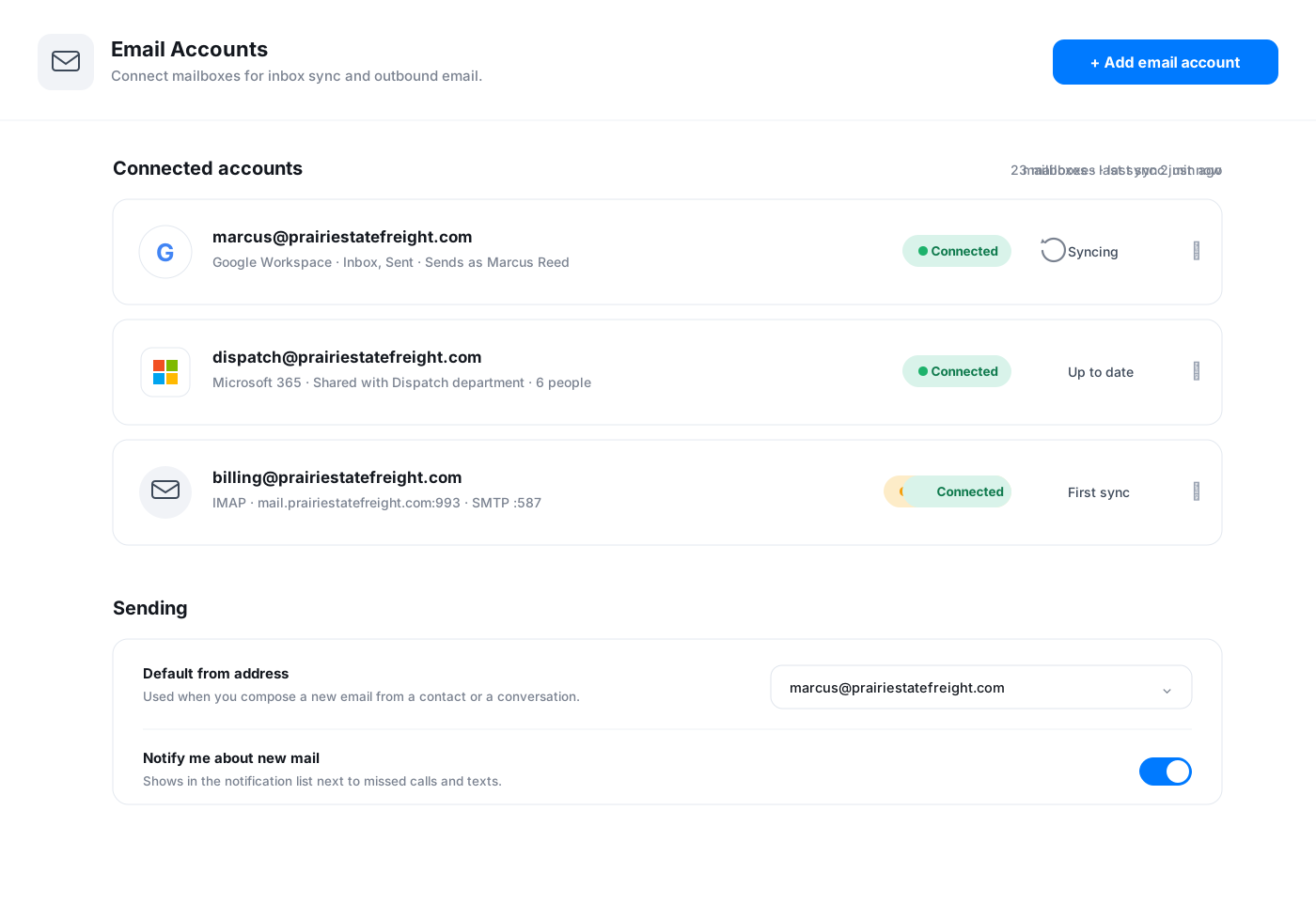
Add an account from settings and Vylo pulls in your inbox and sent mail. Google and Microsoft accounts connect with a sign-in, and anything else works with IMAP and SMTP details. Connect more than one and switch between them or read them all together.
- Google and Microsoft 365 with a normal sign-in
- Custom IMAP and SMTP for everything else
- Several accounts in one unified view
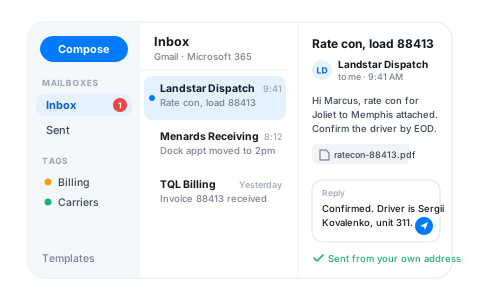
Read and reply without leaving the app
The mailbox has a sidebar for your folders and tags, a thread list and a reading pane, the way you'd expect. Compose a new message, reply in a thread, and see the delivery status of what you sent. Tags let you filter the inbox by whatever labels make sense for your team.
- Inbox, sent and tags in a sidebar
- Threads open in a reading pane beside the list
- Delivery status on the mail you send
New mail shows up next to your missed calls
New mail shows up in Vylo's notification list alongside missed calls and texts, so you check one place. Open the notification and you land on the message.
Frequently asked questions
Common questions about your inbox, in the same window as your calls
Try Vylo free for 7 days
Calls, SMS, email, team chat and AI call notes in one app.