A contact directory with full history
Keep everyone you talk to in one directory, and open any contact to see every call and text you've shared.
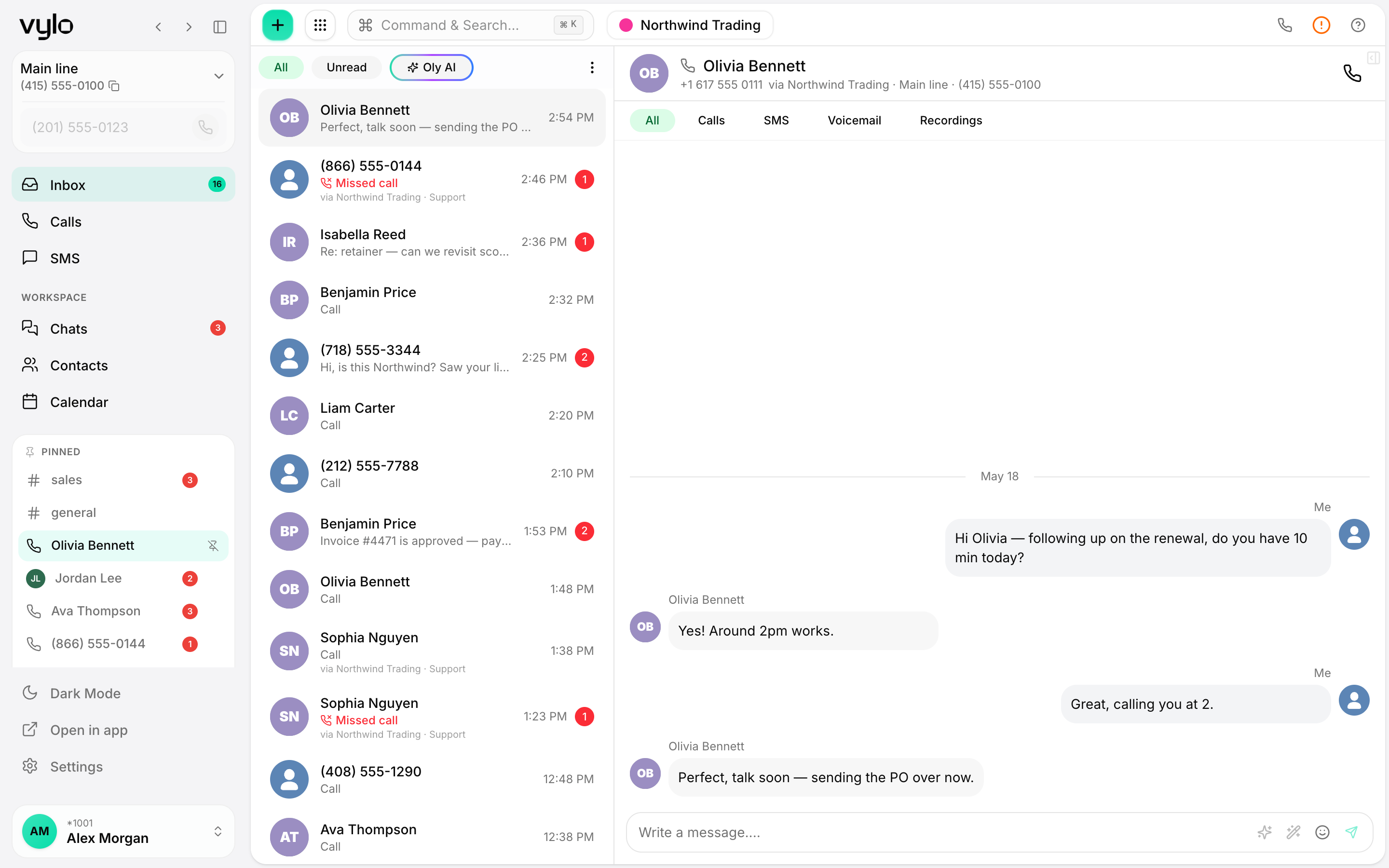
One directory for the team
Every contact lives in one shared list, so anyone can find the right person and reach them without hunting through old threads.
A timeline per contact
Open a contact and read the whole history: the calls and the texts, in the order they happened, with nothing missing.
Find anyone fast
Search the directory by name or number and jump straight to the right contact and their history.
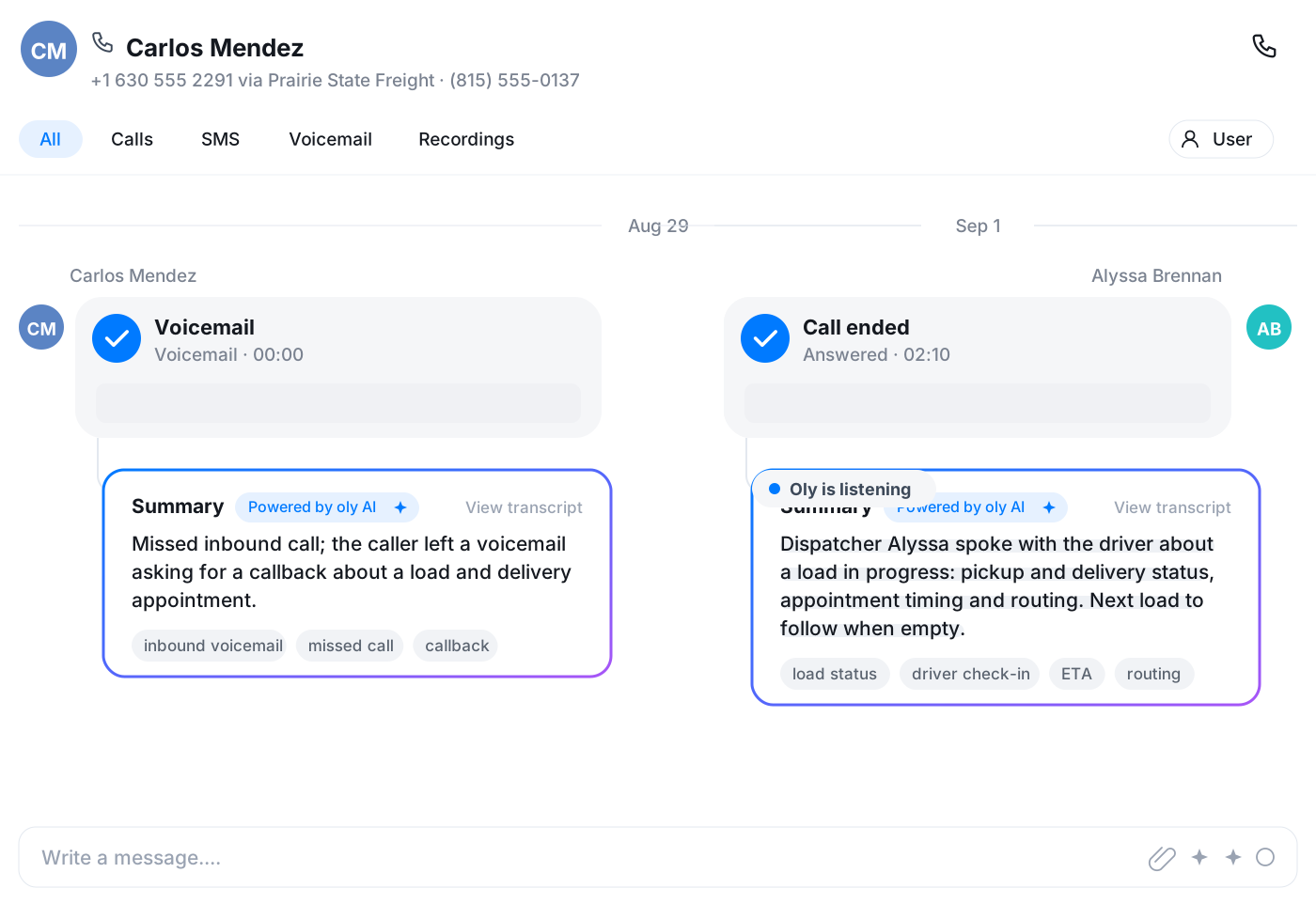
Open a contact, see the whole story
The contact view puts their details up top and a full timeline below: every call and every text, in order. You walk into the next conversation knowing exactly what came before.
- Calls and texts on one timeline
- Sorted in the order they happened
- Call or text the contact from the same screen
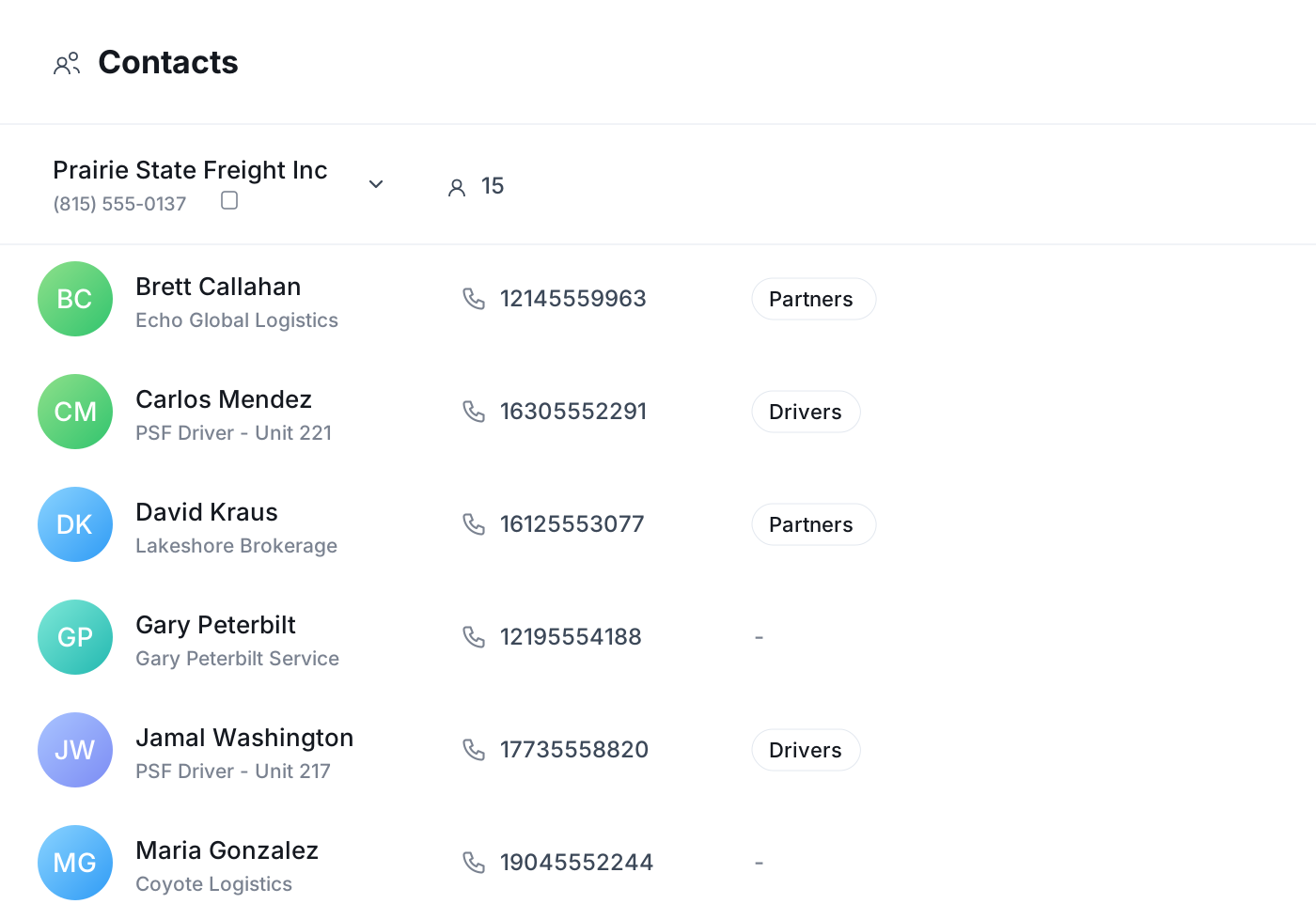
The whole directory at a glance
The contacts list keeps everyone you work with in one place. Scan it, search it, and open anyone to see their history, so the team shares the same view of who you talk to and what's been said.
Frequently asked questions
Common questions about a contact directory with full history
Try Vylo free for 7 days
Calls, SMS, email, team chat and AI call notes in one app.