Record calls and play them back later
Switch on recording for your answered calls and keep every conversation on file. Each recording sits inside the conversation it belongs to, so you can hear what was said without hunting for it.
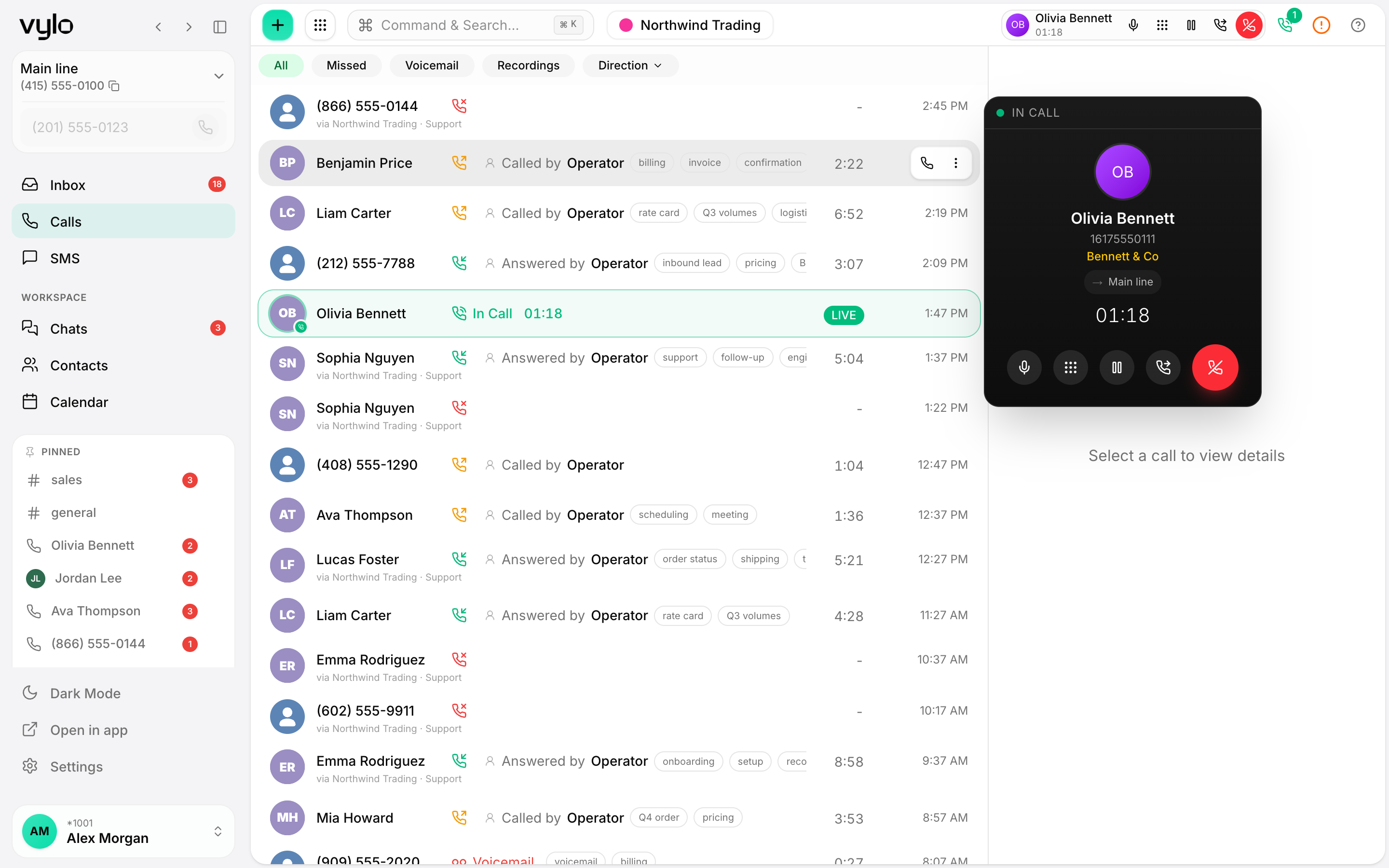
Recordings where the call happened
Every answered call is recorded against the contact and the thread, so the audio lives next to the messages and notes from that conversation.
Play back in one click
Open a past call and press play. Scrub to the part you need, replay a detail, and check exactly what was agreed.
Onboard with real examples
Share a recording with a new teammate so they can hear how a good call sounds instead of reading a script about it.
Recording that stays with the conversation
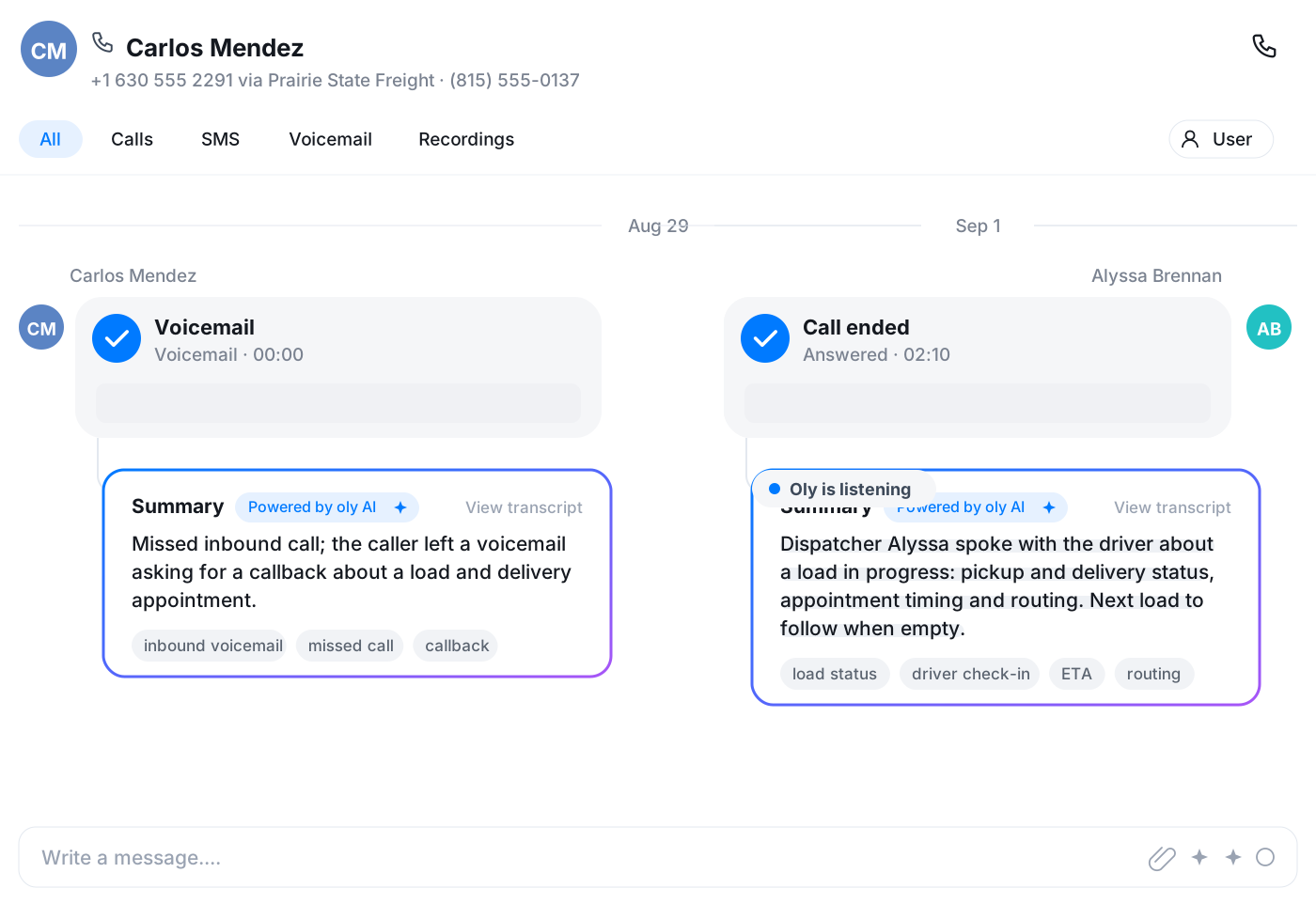
When a call is answered, Vylo captures the audio and files it under that contact. There is no separate recordings app to dig through. You open the conversation, see the call in the timeline, and play it back right there alongside the SMS and chat history for the same person.
- Audio attached to the contact and the thread
- Visible in the same timeline as messages and notes
- One place to find what was said and what was sent
Settle the details without guessing
Memory of a phone call fades fast. When a customer says they agreed to something, or a teammate needs to confirm an address or an order, you can go back to the actual audio and listen. It takes the back-and-forth out of who said what.
Frequently asked questions
Common questions about record calls and play them back later
Try Vylo free for 7 days
Calls, SMS, email, team chat and AI call notes in one app.