A calendar that knows about your calls
Day, week and month views, reminders that pop up in the app, and Google Calendar sync so the meetings you already have show up next to the calls you're about to make.
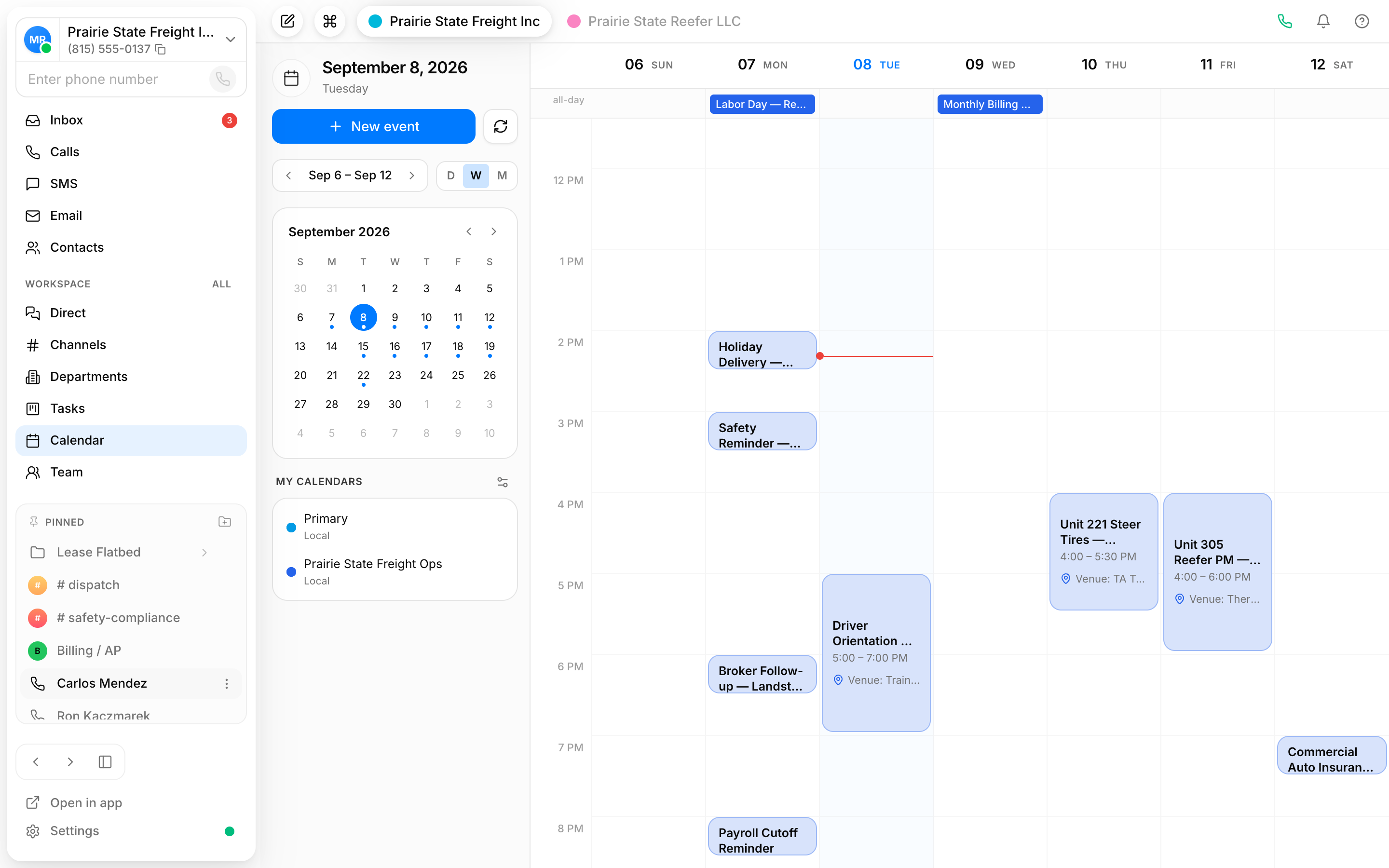
Day, week or month
Switch between views with one click, and use the mini month in the sidebar to jump to any date. Dots mark the days that have something on.
Reminders where you'll see them
Event reminders arrive in Vylo's notification window, the same place missed calls and new texts do, so you don't need a second app open.
Google Calendar sync
Connect a Google account and its calendars appear alongside your local Vylo calendars. Events you add in either place stay in step.
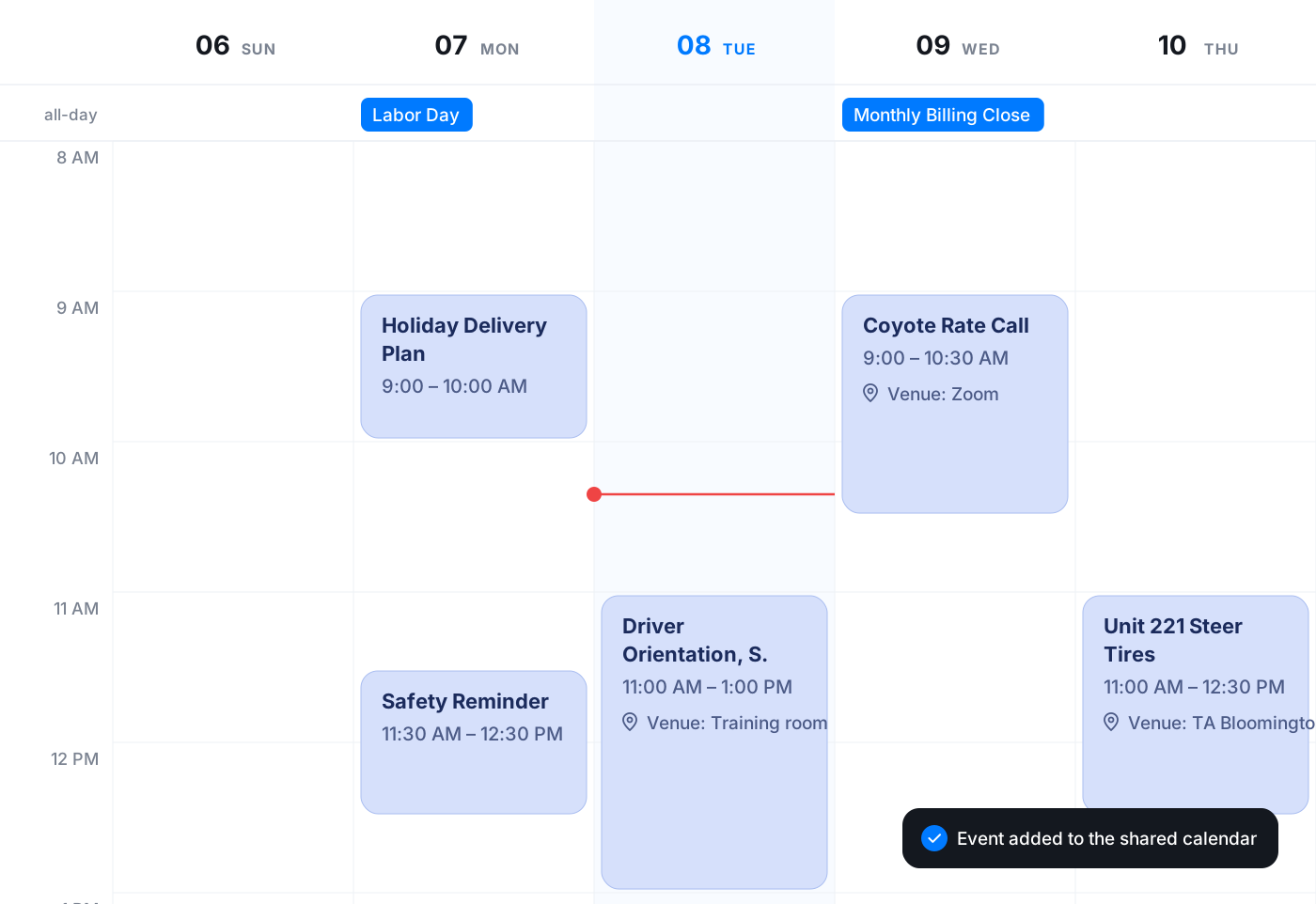
Your week at a glance, calls included
The week view lays out your events with the time, the people invited and the meeting link if there is one. Events tied to a phone call show the contact's name, so a discovery call and a lunch sit on the same grid and you know which is which.
- Attendees and meeting links on each event
- Call-linked events show the contact
- Several colour-coded calendars, toggled on and off
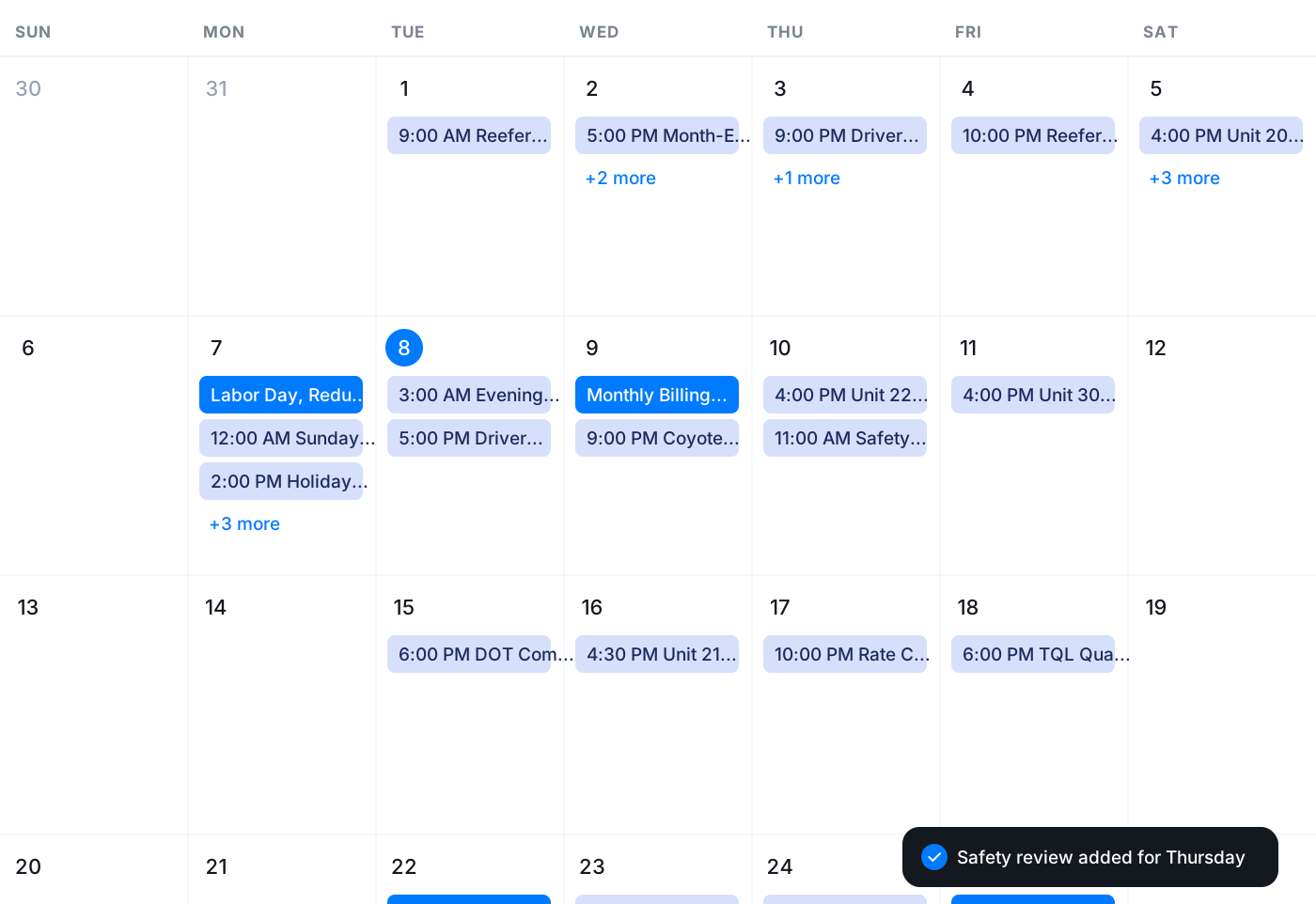
Step back to the month
The month view shows how full each day is, with the first few events listed and a count of the rest. Click any day to open it, or use the mini calendar to move around without losing your place.
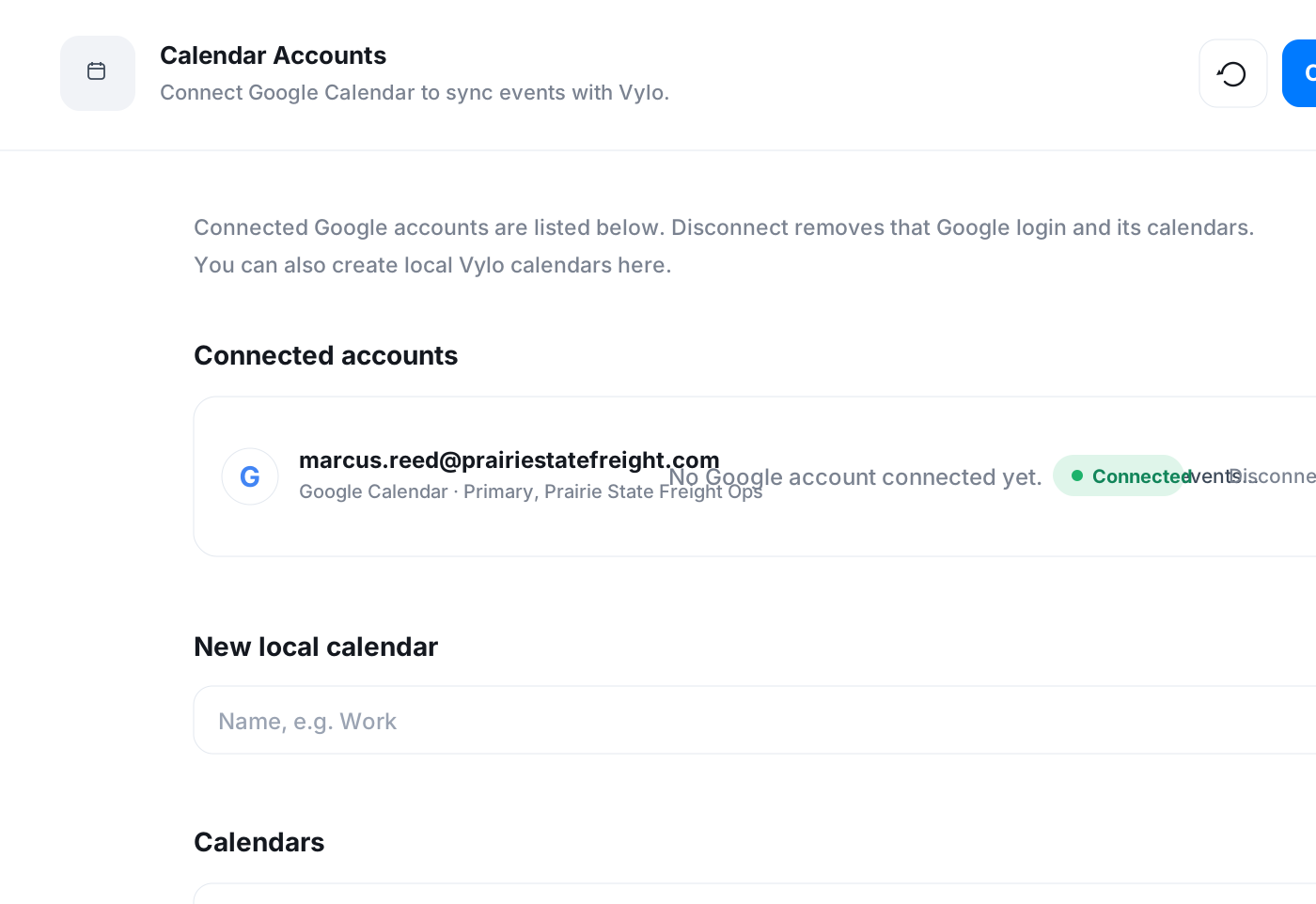
Bring in Google Calendar, or keep it local
From settings, connect a Google account and pick which calendars to sync. If you'd rather keep things inside Vylo, create local calendars like Work, Personal or Holidays and colour them so they're easy to tell apart.
- Google Calendar sync with a normal sign-in
- Local calendars created in a click
- Disconnect an account and its events leave with it
Frequently asked questions
Common questions about a calendar that knows about your calls
Try Vylo free for 7 days
Calls, SMS, email, team chat and AI call notes in one app.